
Silence the alarm (Acknowledge Buzzer)
Stop the portal's alarm sound once you've seen a problem.
- 1
When something needs attention, the portal plays a double beep every few seconds and Acknowledge Buzzer (N) at the bottom of the sidebar turns red.
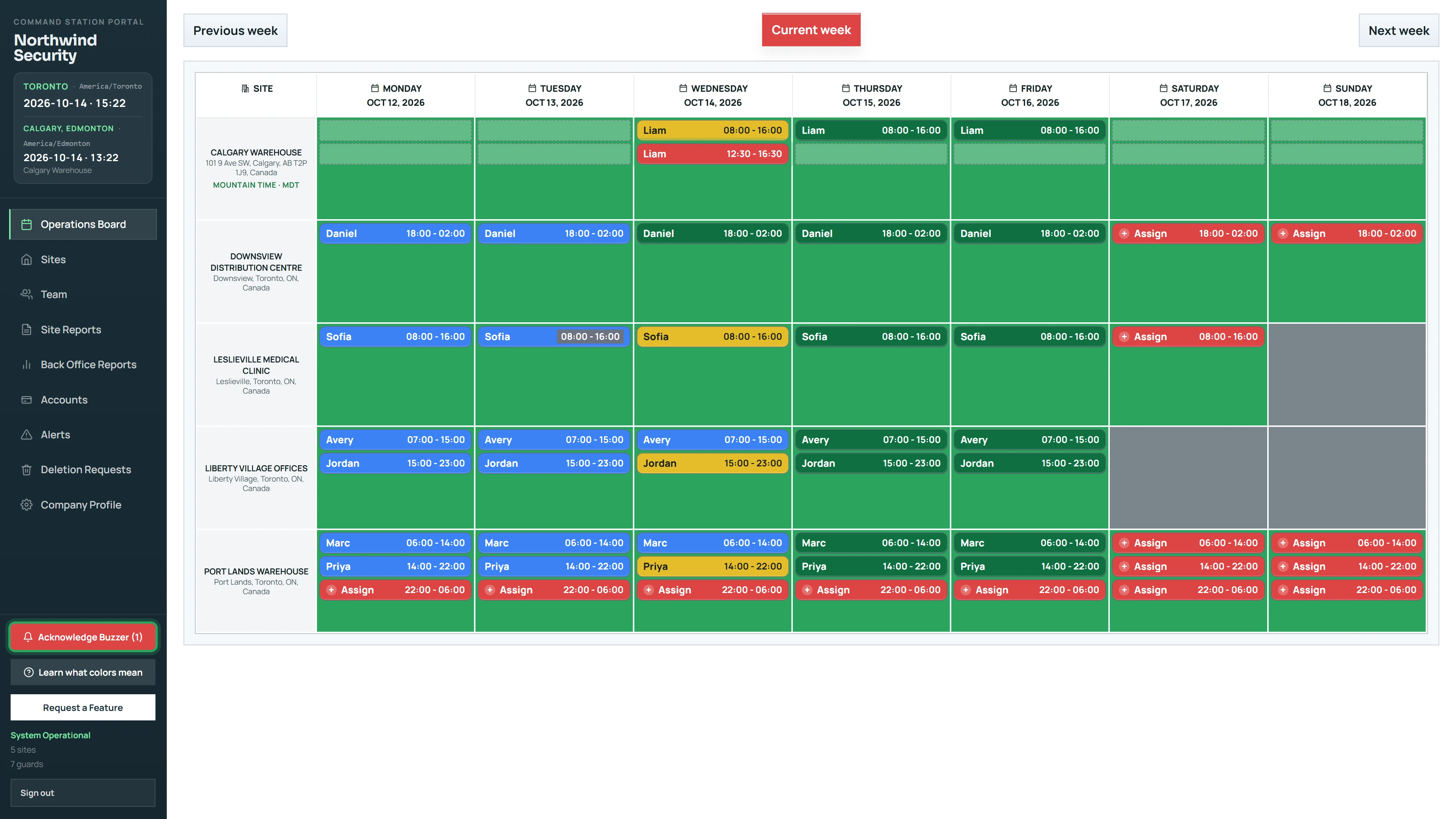
- 2
Click Acknowledge Buzzer to silence every alarm on the week you're viewing.
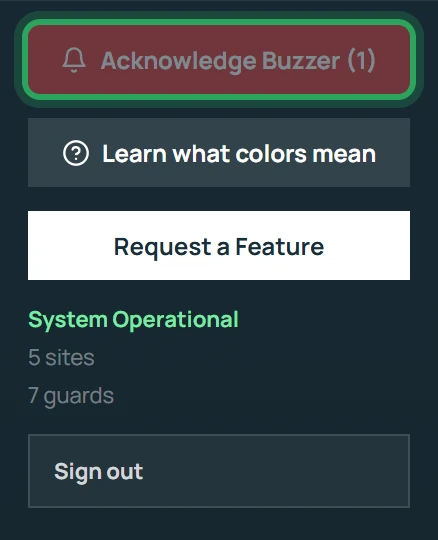
- 3
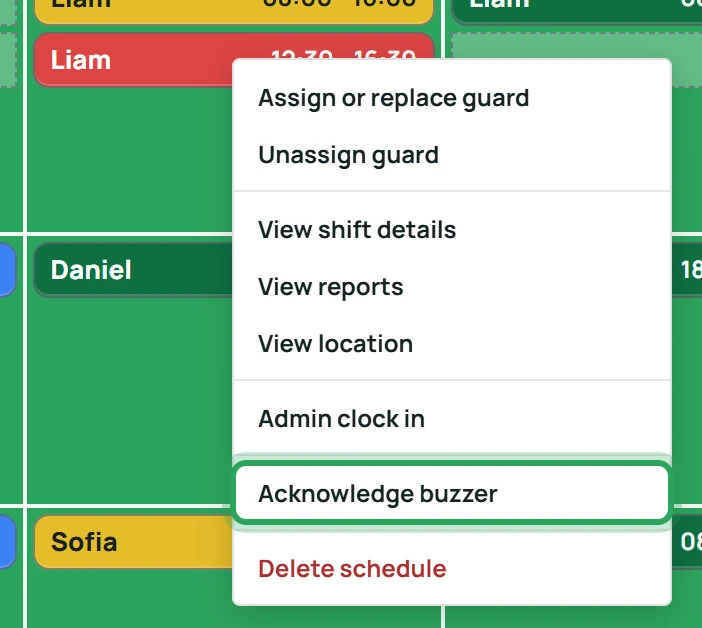
Or right-click one shift and choose Acknowledge buzzer to silence just that one.
Good to know
- Acknowledging silences the sound; the shift keeps blinking until the person clocks in, clocks out or is reassigned.
- Mark as Read on the Alerts page doesn't silence the alarm — use Acknowledge Buzzer for that.
More in Live location and alerts
See where someone is right nowWhen a phone stops reportingReview and clear alertsStill stuck? Our team is happy to help.Contact support