
Scan patrol checkpoints (guard tour)
Scan the QR codes on your patrol route so your manager can see the tour was done.
- 1
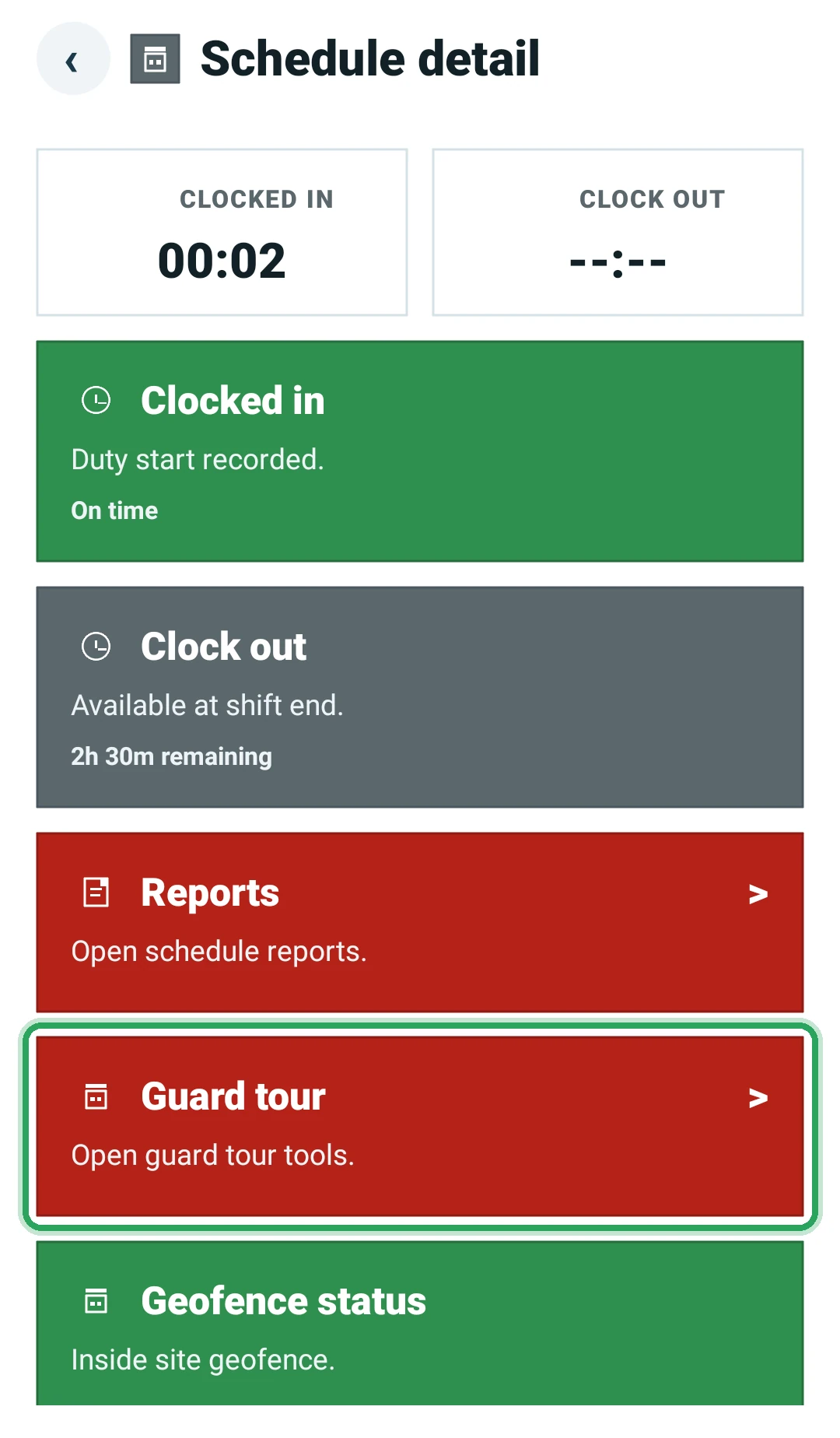
While clocked in at a site with patrol tours, open the shift and tap Guard tour.
- 2
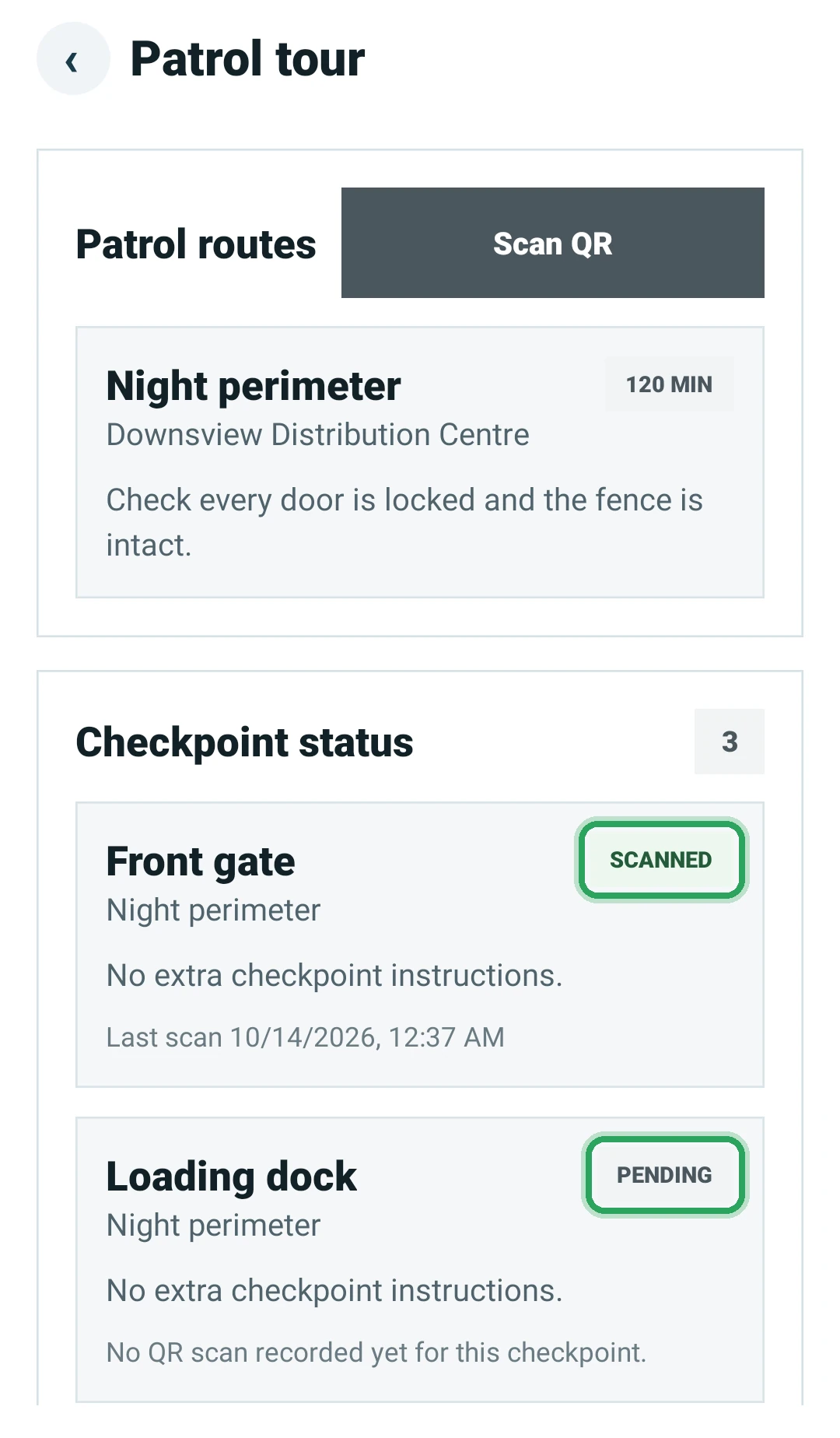
You'll see the patrol routes and each checkpoint marked Scanned or Pending.
- 3
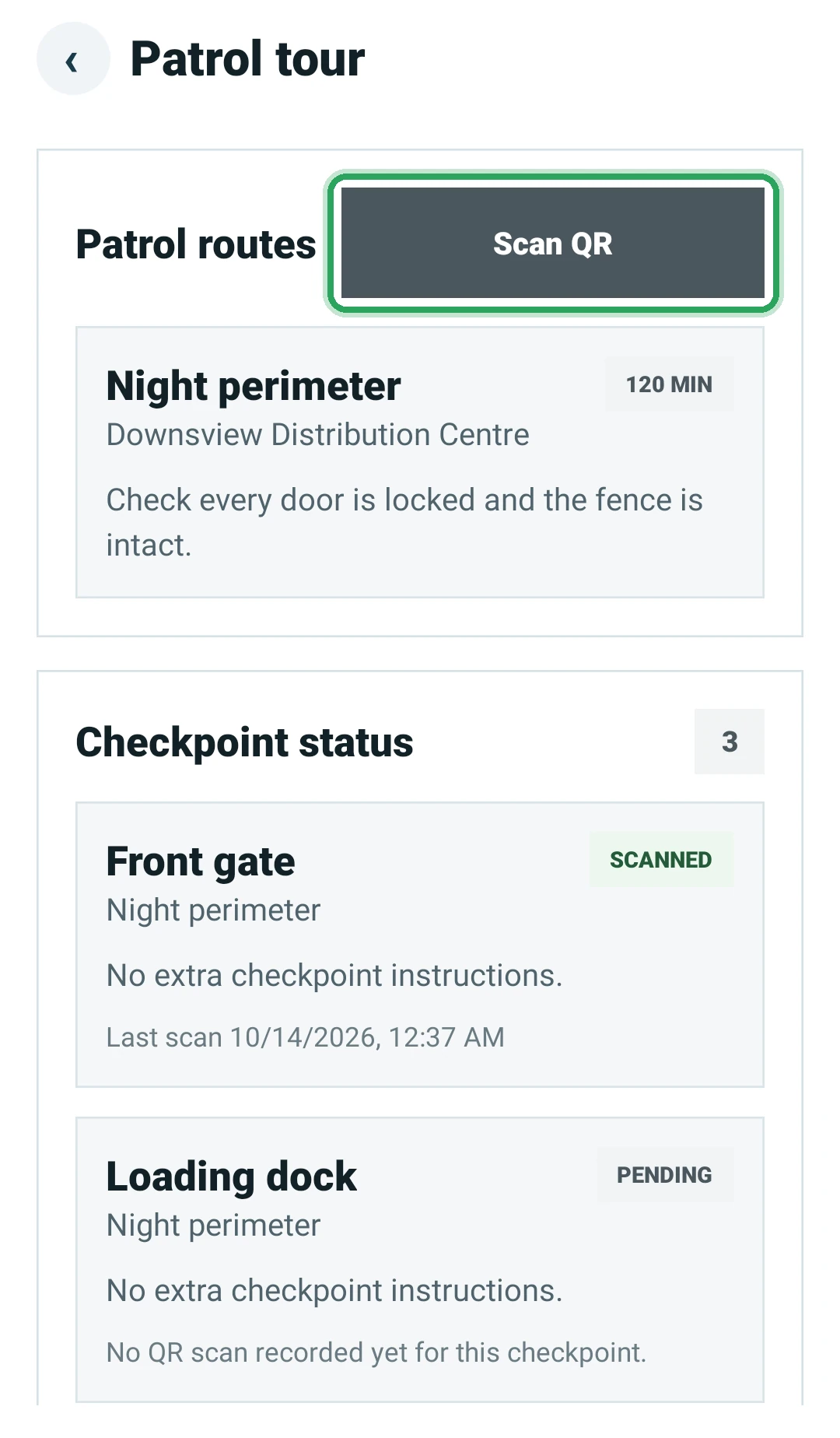
At each checkpoint, tap Scan QR and point the camera at the code. You'll see “… scanned successfully.”
- 4
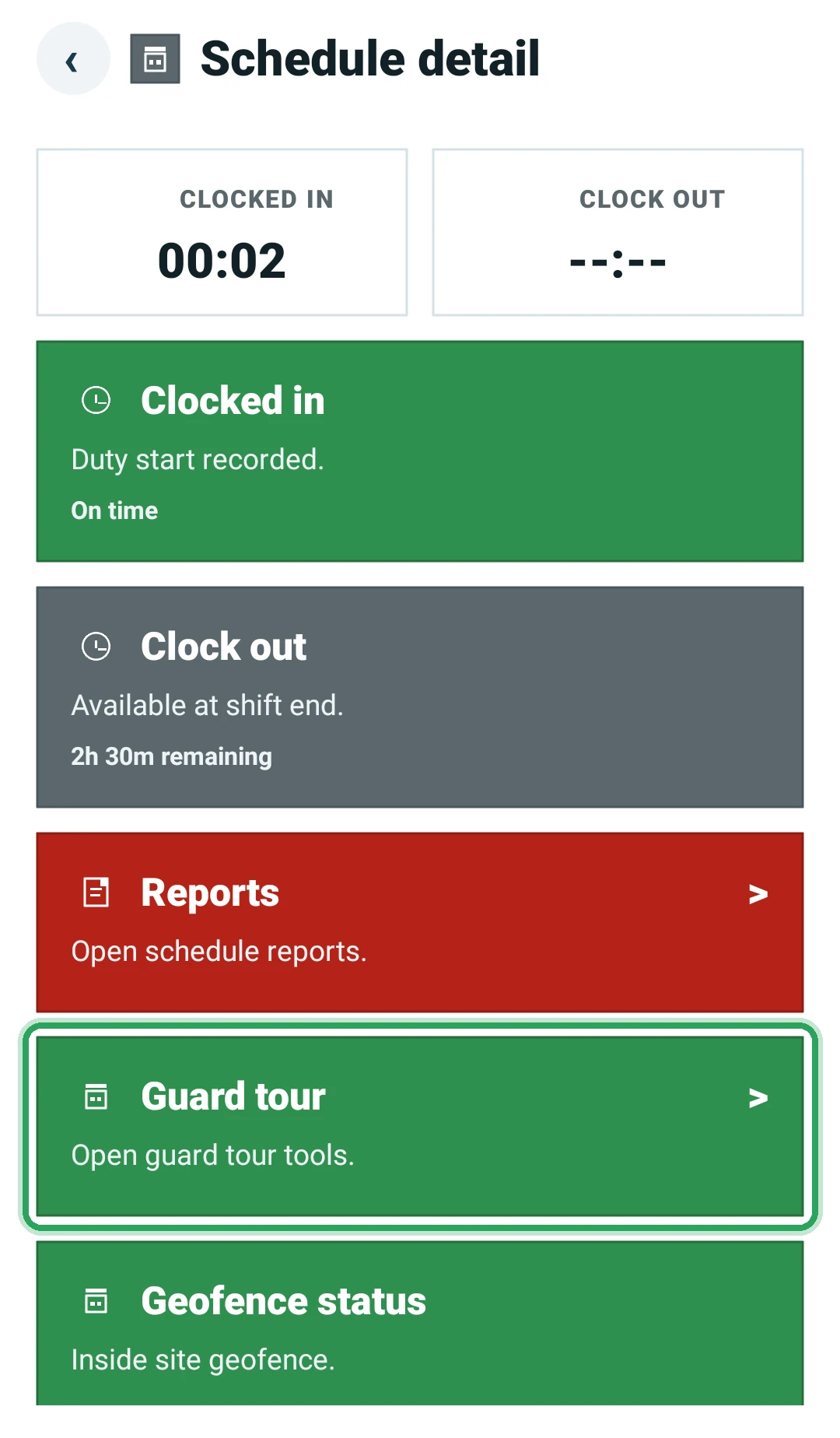
When every checkpoint is scanned, the Guard tour card turns green.
Good to know
- Scanning needs an active shift at that site, and the camera permission.
- Scanning the same checkpoint again within 2 minutes is skipped as a duplicate.
More in The staff app
Install the Command Station Guard appSign in to the appSee today's and upcoming shiftsClock in at the start of your shiftClock out at the end of your shiftFile your daily reportReport an incidentYour profile, hours and permissionsAsk for your account to be deletedStill stuck? Our team is happy to help.Contact support