
Why can't I clock out?
What each clock-out message means.
- 1
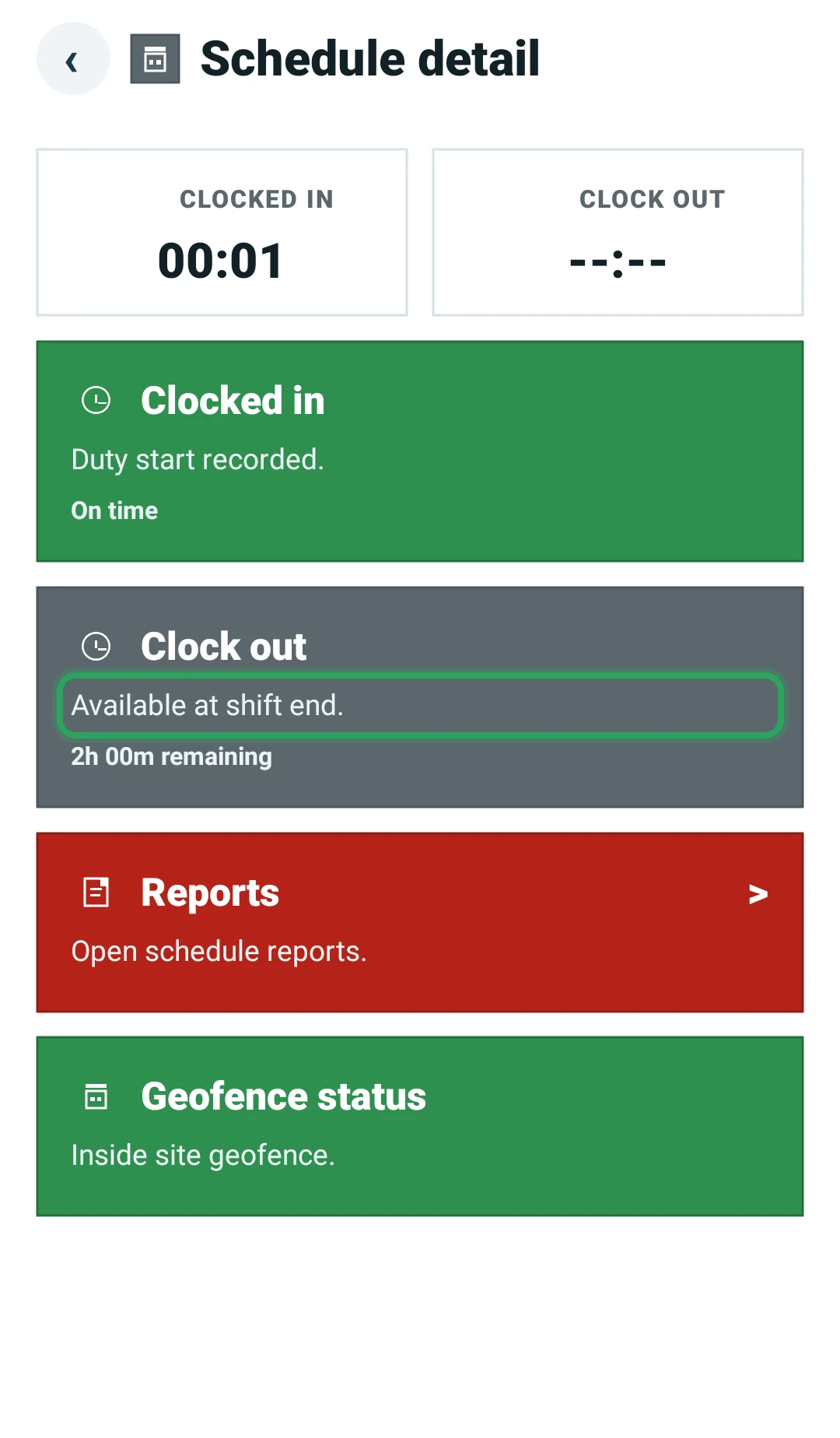
Available at shift end. — clock out unlocks after the scheduled end time.
- 2
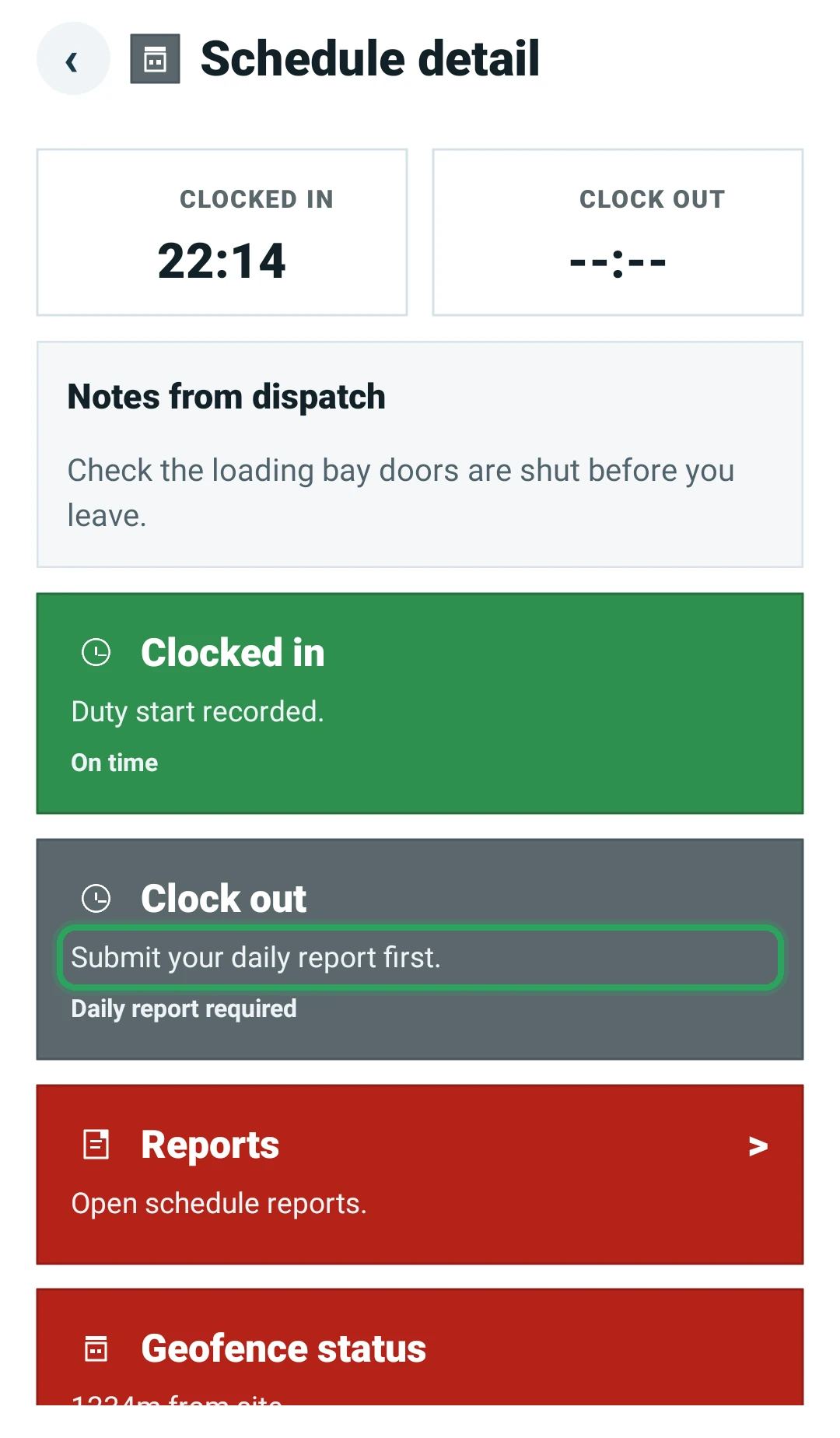
Submit your daily report first. — open the shift, tap Reports and file your daily report.
- 3
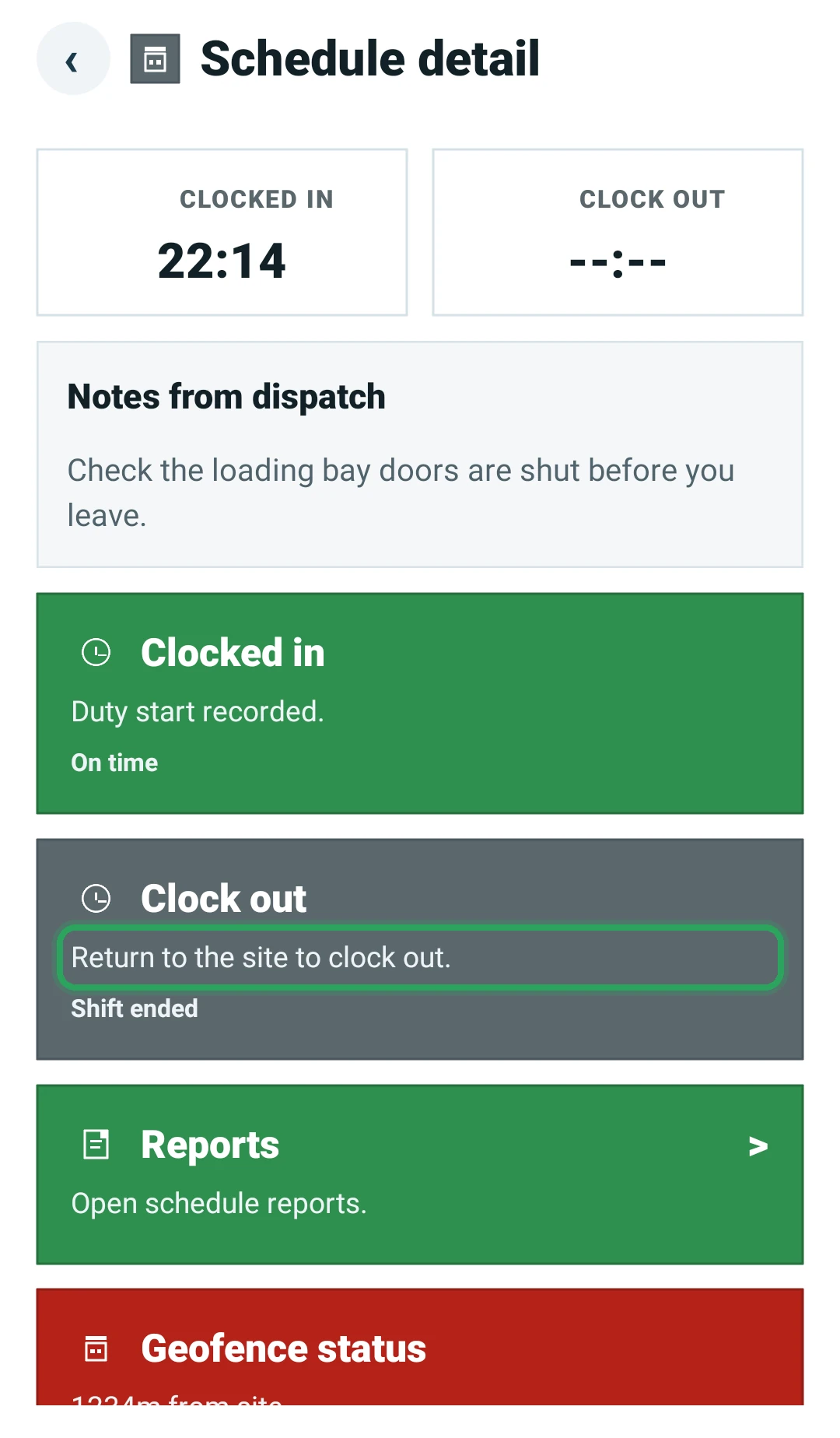
Return to the site to clock out. — you need to be inside the site's geofence.
- 4
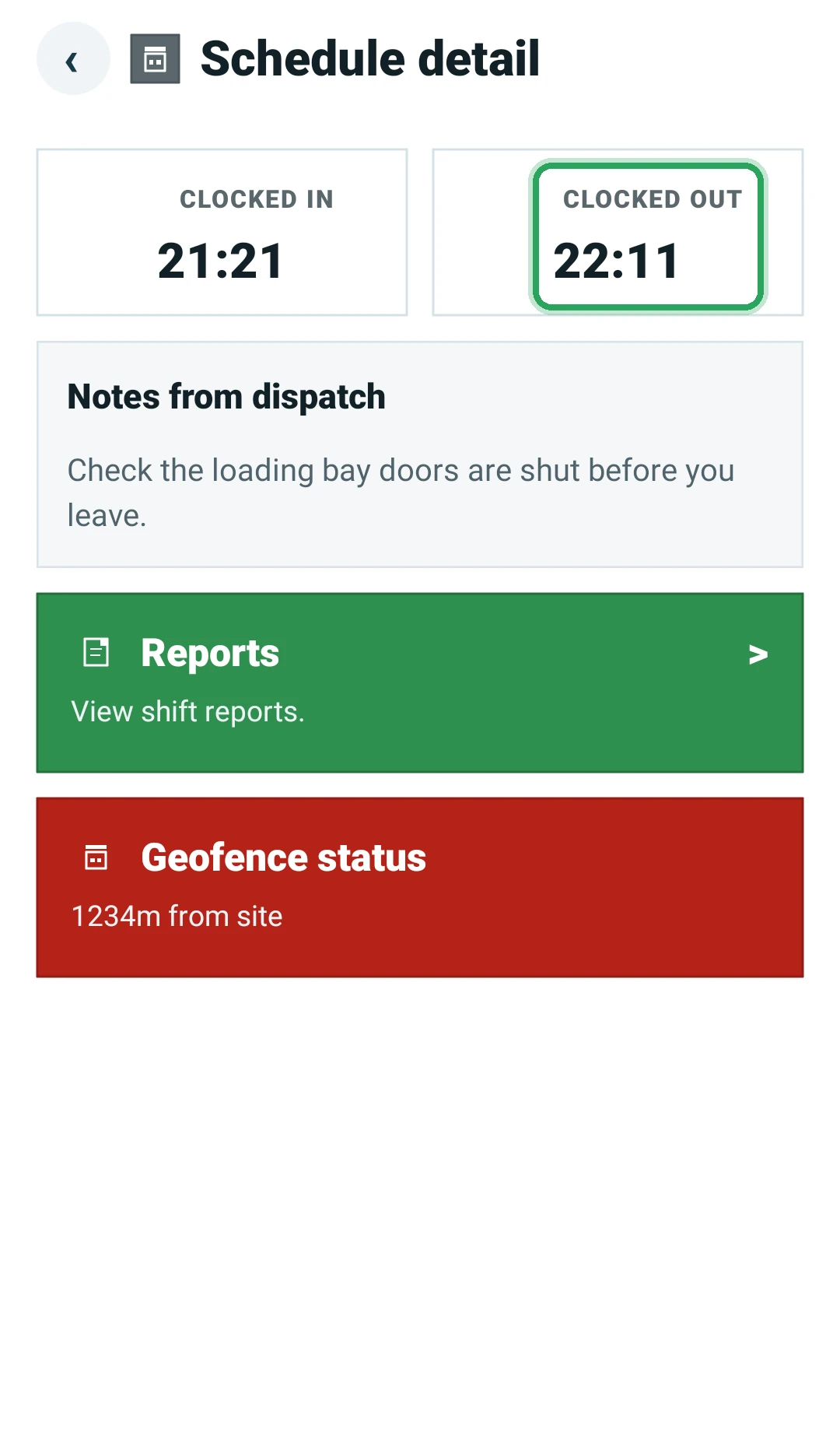
Clocked out with a time at the top of the shift — you've already clocked out of this shift. Nothing more to do.
Good to know
- If you can't get back to the site, ask your manager to record your clock-out time in the portal.
More in Troubleshooting
Why can't I clock in?“Waiting for a better GPS signal”A shift is flashing red: what to doStaff can't sign in to the appTimes look wrongStill stuck? Our team is happy to help.Contact support