
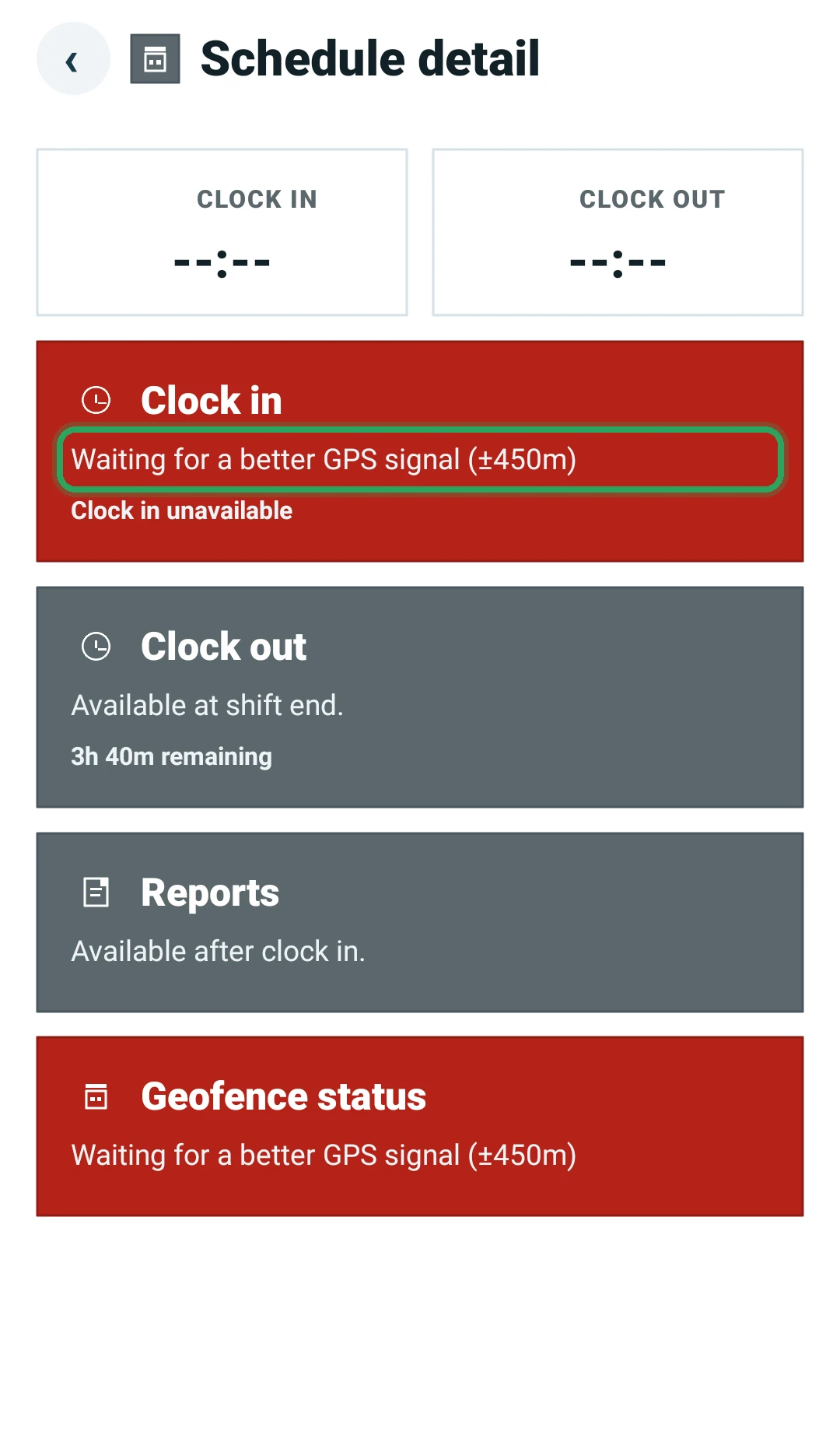
“Waiting for a better GPS signal”
Why the app sometimes waits for a better location before letting you clock in.
- 1
The app needs a location accurate enough to prove you're on site. Fixes worse than about ±200 metres aren't used.
- 2
Step outside or near a window, keep the app open, and wait a few seconds.
- 3
Make sure location is on and set to precise or high-accuracy in your phone's settings.
More in Troubleshooting
Why can't I clock out?A shift is flashing red: what to doStaff can't sign in to the appTimes look wrongStill stuck? Our team is happy to help.Contact support