
Price a job with the quote calculator
Work out cost, revenue and margin for a new contract before you quote it.
- 1
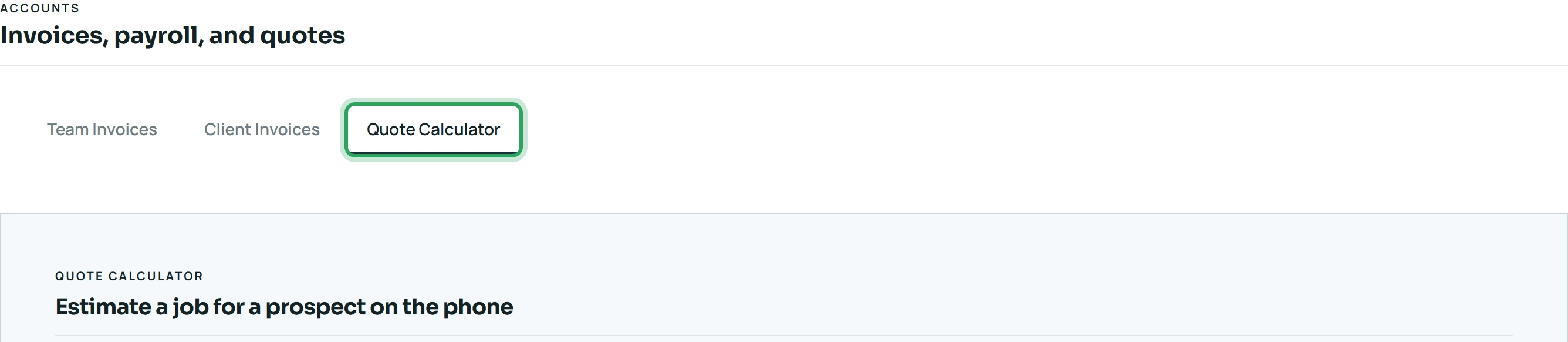
Open Accounts → Quote Calculator.
- 2
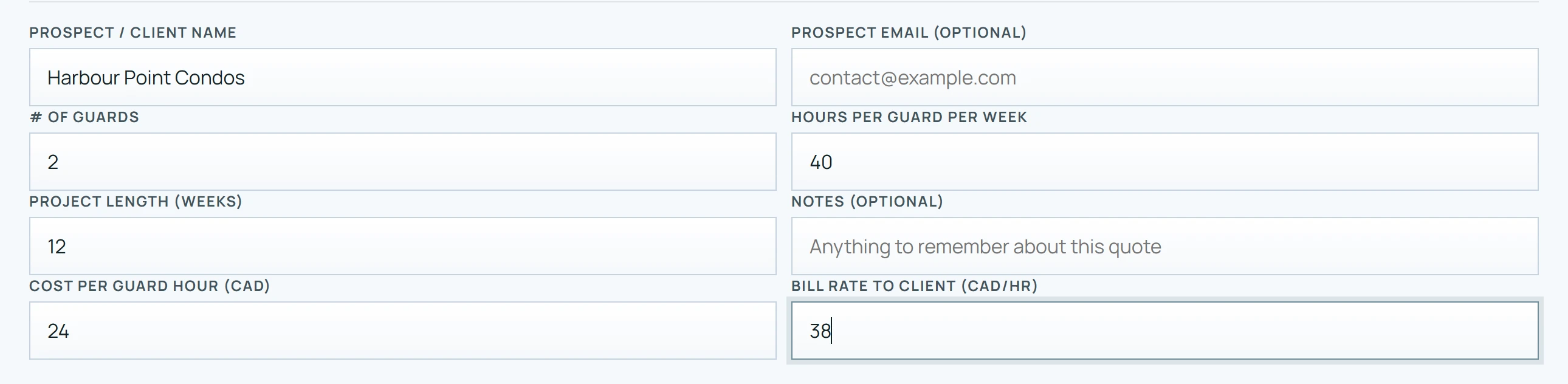
Enter the Prospect / Client name, the number of guards, hours per guard per week, the project length, your Cost per guard hour and your Bill rate to client.
- 3
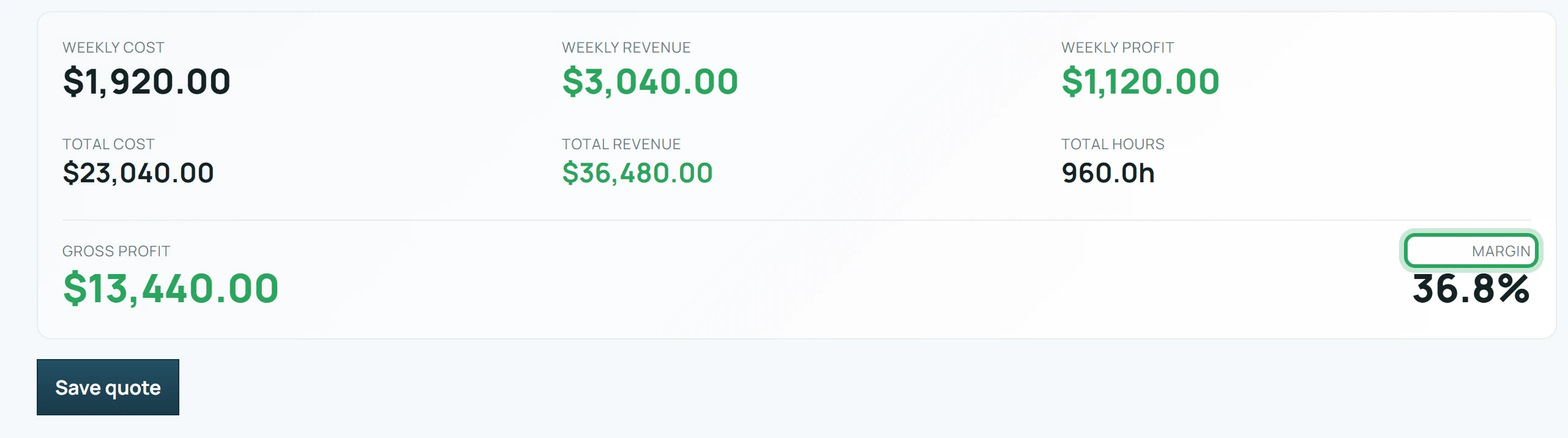
The weekly and total cost, revenue, profit and margin update as you type.
- 4
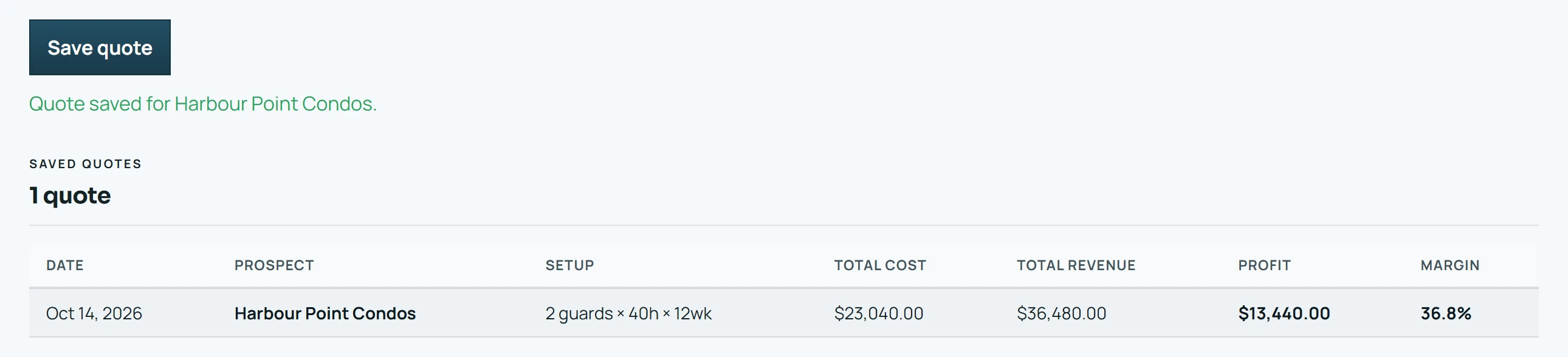
Click Save quote to keep it in Saved Quotes.
More in Reports and payroll
Read daily reports, incidents and patrol scansApprove a site report and email it to your clientAttendance, clock-in/out and payroll reportsCreate a pay invoice for a staff memberStill stuck? Our team is happy to help.Contact support