
A shift is flashing red: what to do
Work out why a shift is alarming and clear it.
- 1
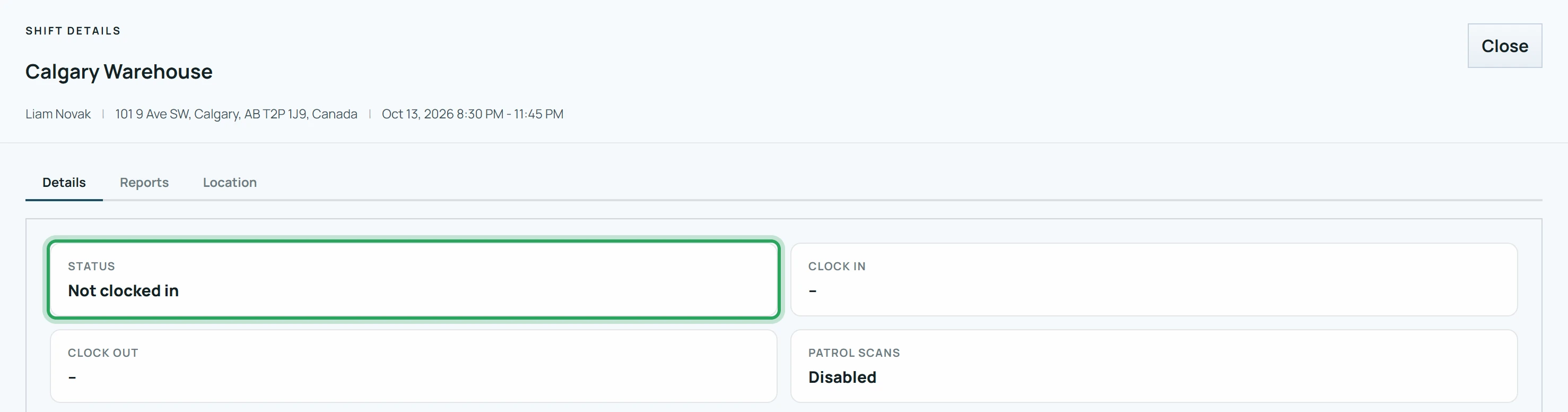
Click the shift to see its status: Not clocked in, No show, or Outside geofence.
- 2
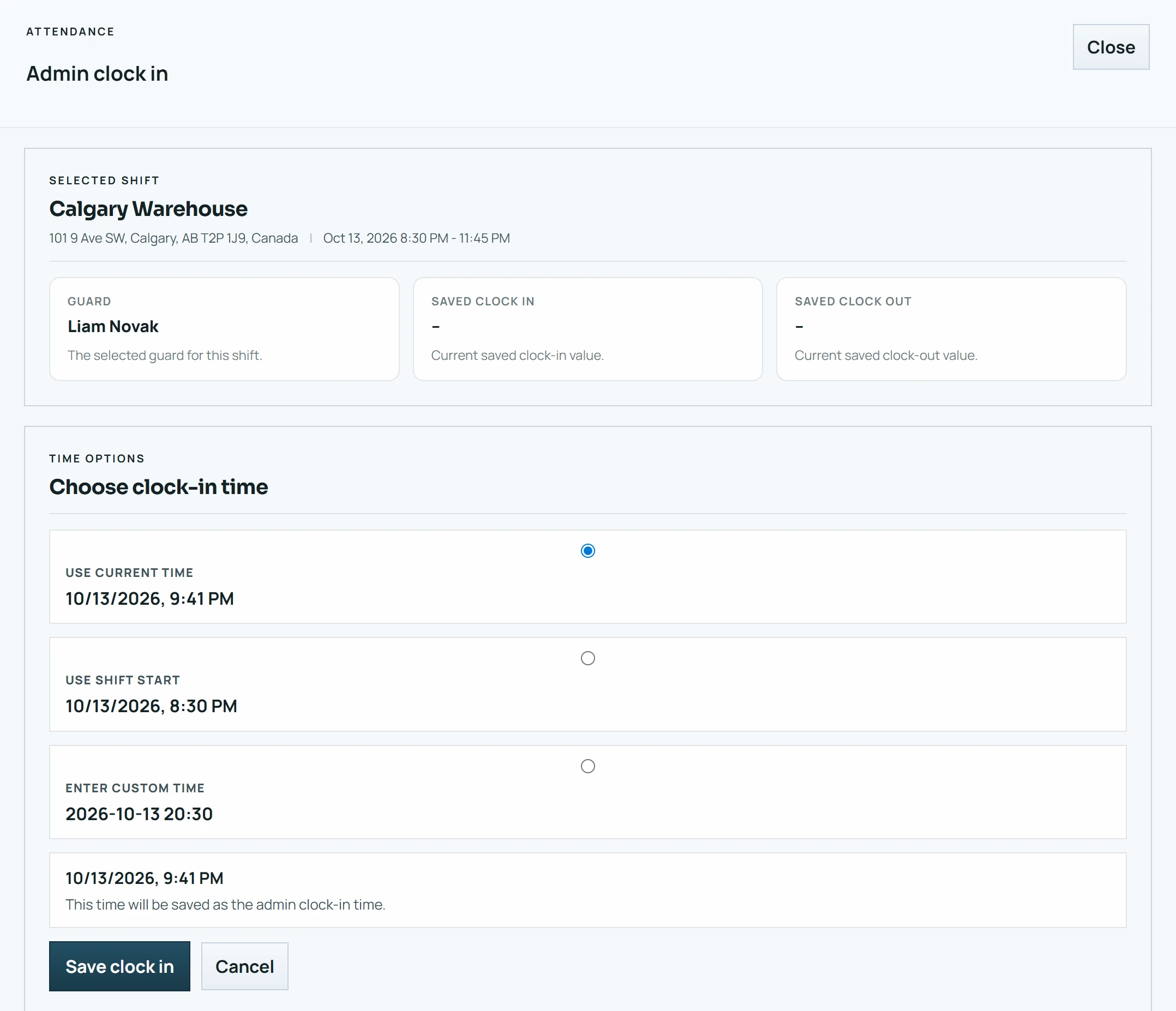
Not clocked in: call the staff member. If they're on site but couldn't clock in, use Admin clock in with the real time.
- 3
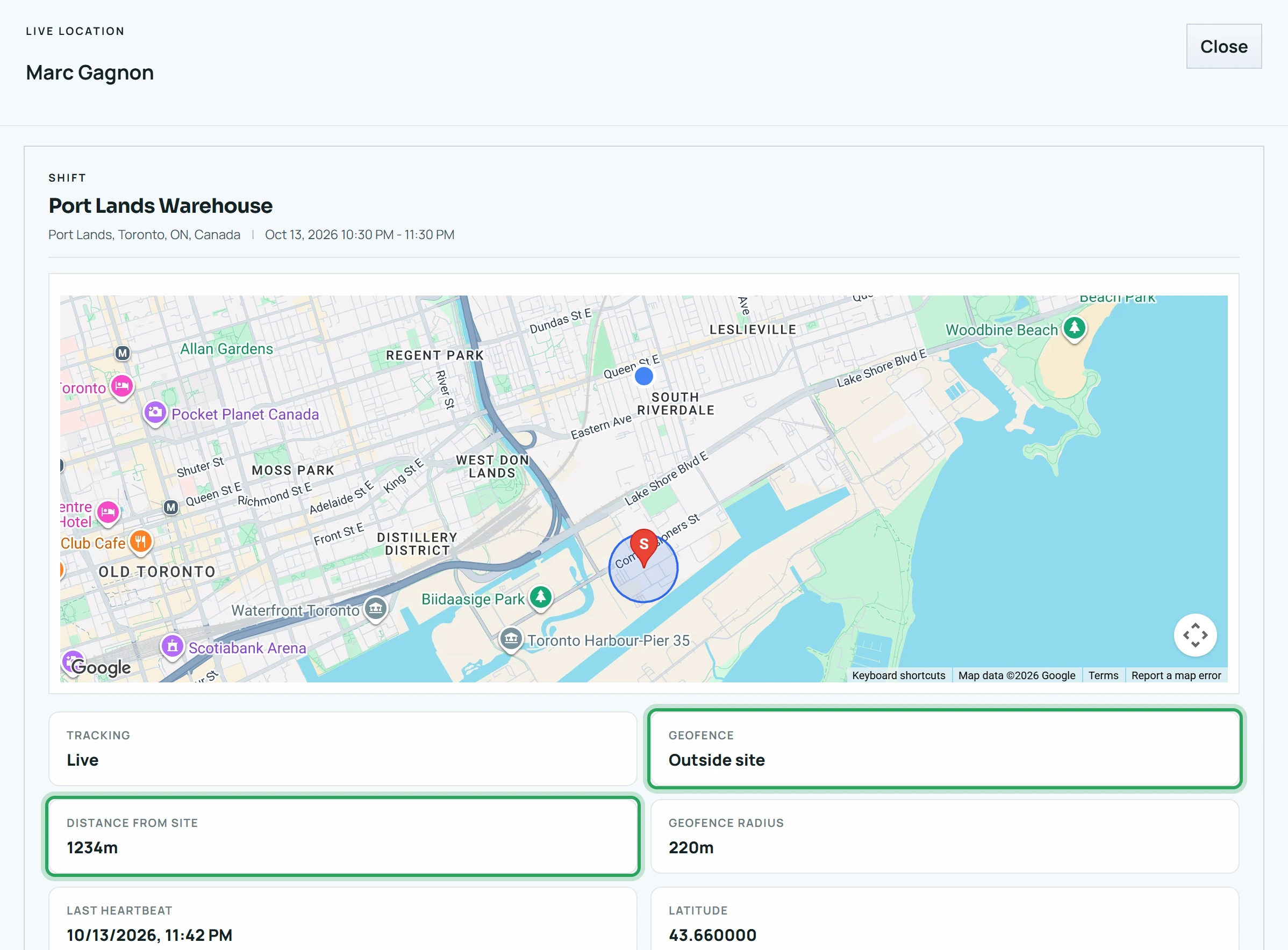
Outside geofence: right-click and choose View location to see where they are. It clears by itself when they return.
- 4
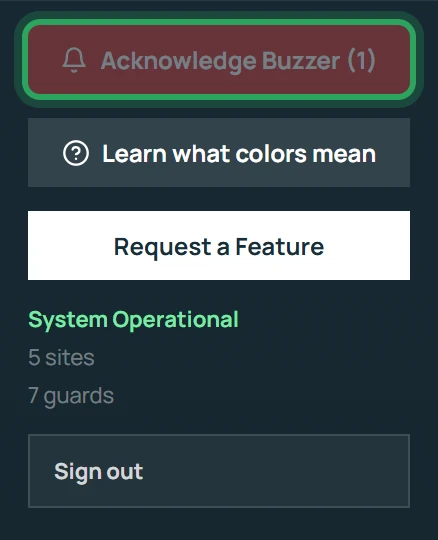
Click Acknowledge Buzzer to silence the alarm while you sort it out.
Related
Silence the alarm (Acknowledge Buzzer)How geofence alerts workLate arrivals and no-showsFix a missed clock-in or clock-outMore in Troubleshooting
Why can't I clock in?Why can't I clock out?“Waiting for a better GPS signal”Staff can't sign in to the appTimes look wrongStill stuck? Our team is happy to help.Contact support