
Update your company details and logo
Change your company name, portal title, contact details and logo.
- 1
Open Company Profile (the Profile tab opens first).

- 2
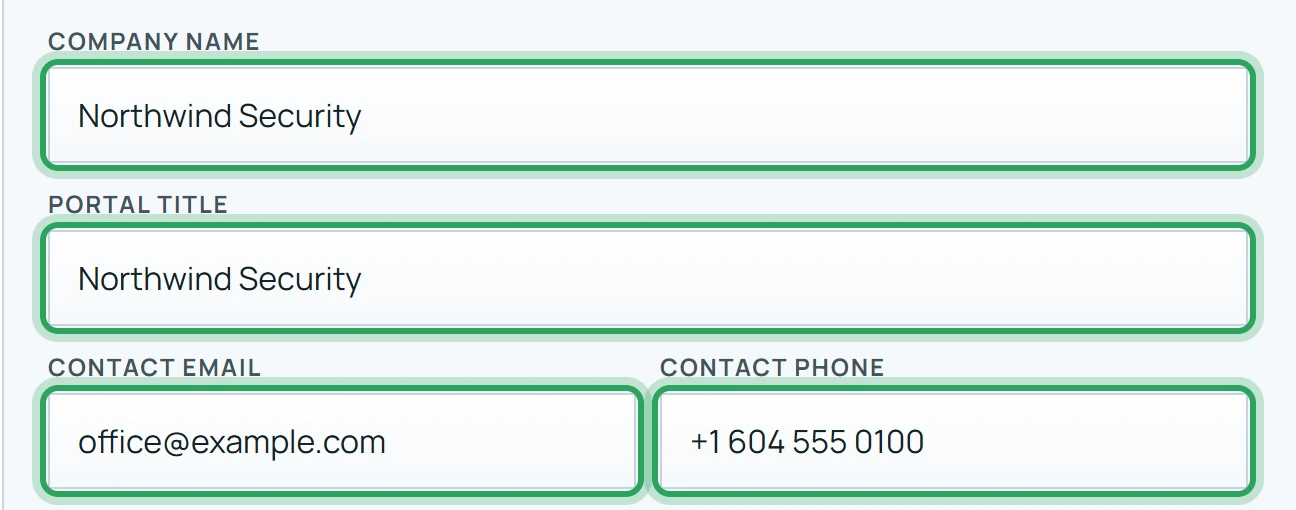
Edit the Company name, Portal title (shown at the top of the sidebar), Contact email and Contact phone.
- 3
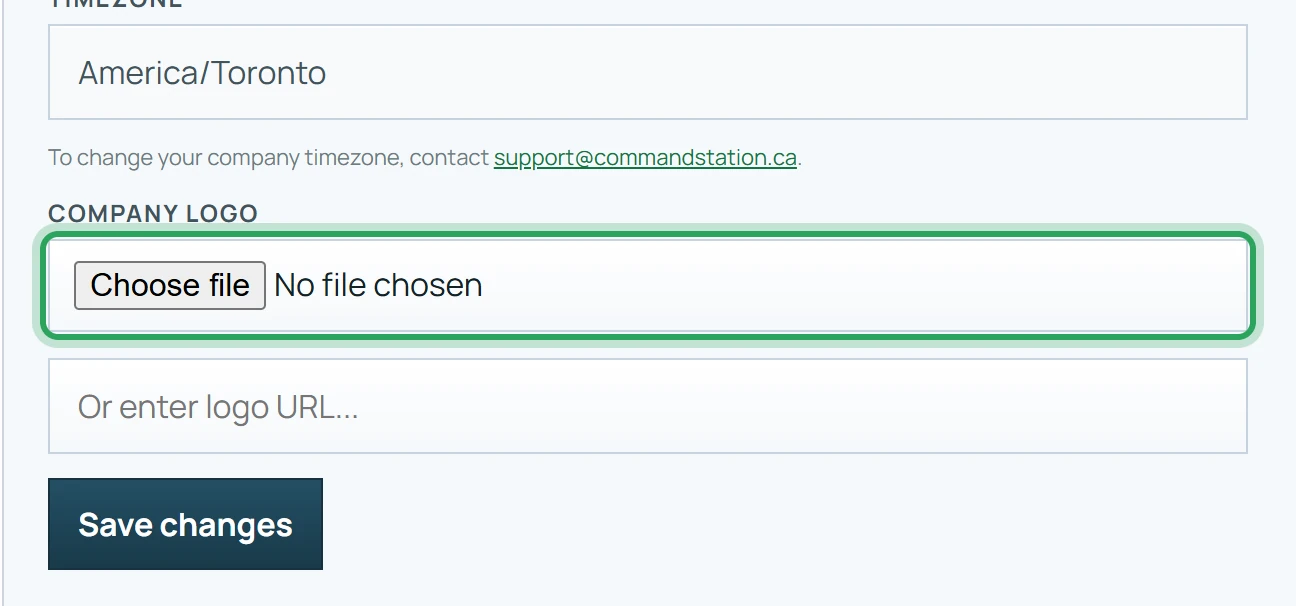
Upload a Company Logo, or paste a logo URL. It appears on report previews and in the emails your clients receive.
- 4
Click Save changes.
Good to know
- Your Contact email is where client replies to site reports go, and it's printed on your PDFs.
- Your company's time zone can't be changed here. Email support@commandstation.ca to change it. To run one site on another time zone, set it on the site: Sites → Edit → Time zone.
More in Billing and your plan
Your plan, trial and what's includedAdd more staff or sitesPay for your subscription and manage cardsStill stuck? Our team is happy to help.Contact support