
Sign in to the portal and reset your password
Sign in at app.commandstation.ca, and what to do if you forget your password.
- 1
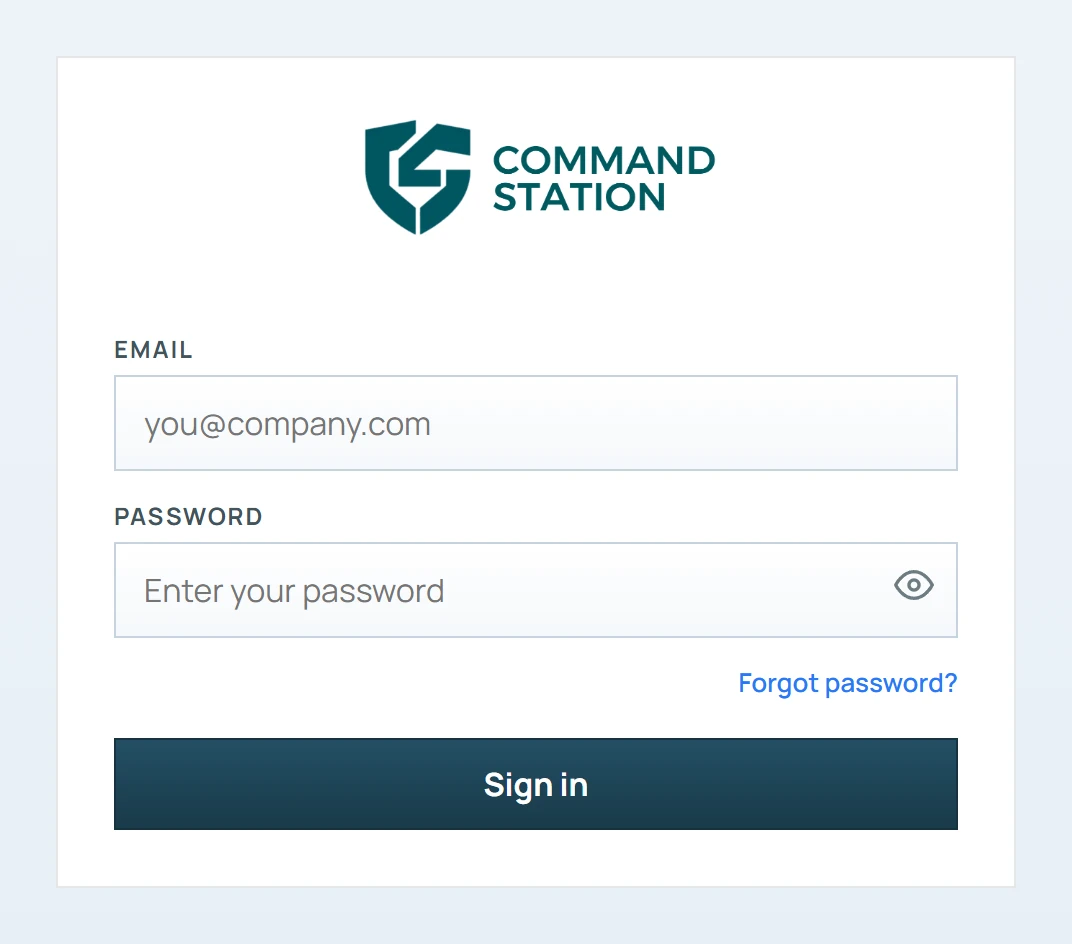
Go to app.commandstation.ca.
- 2
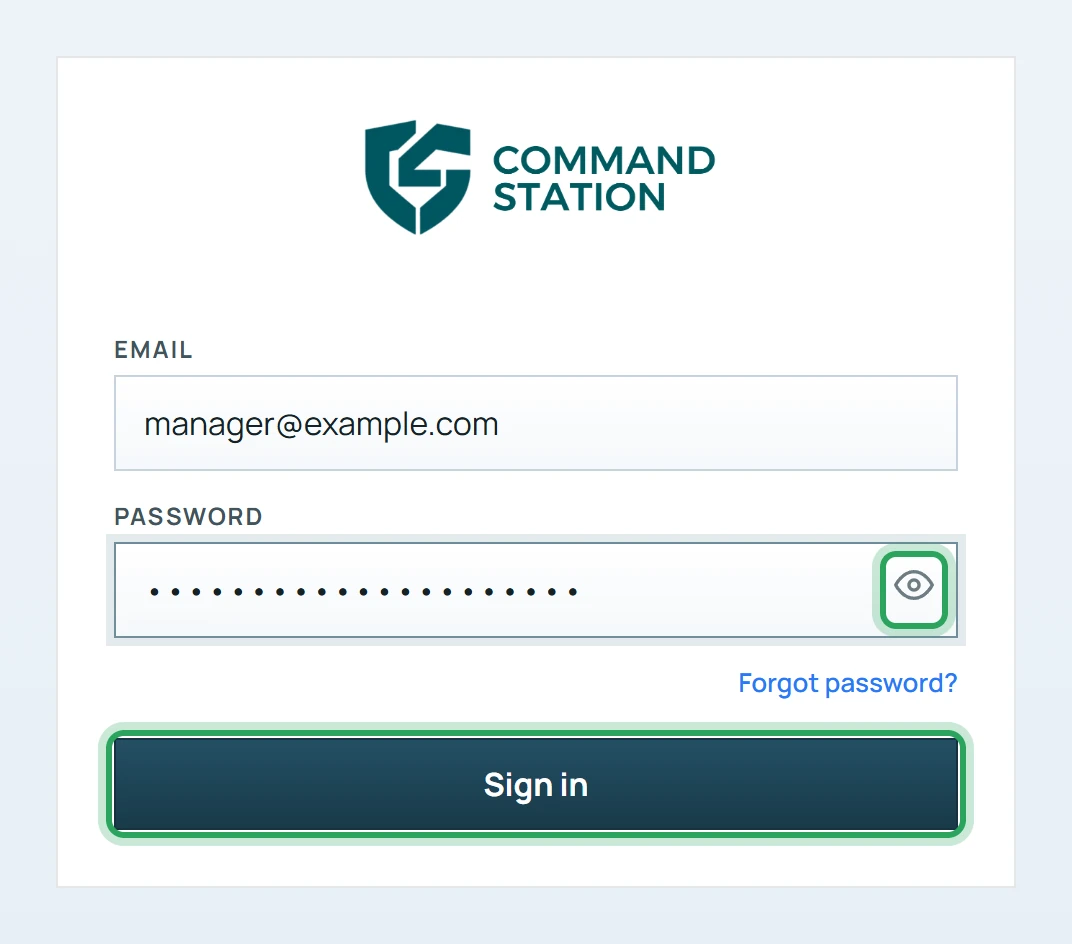
Enter your Email and Password, then click Sign in. Use the eye icon to check what you typed.
- 3
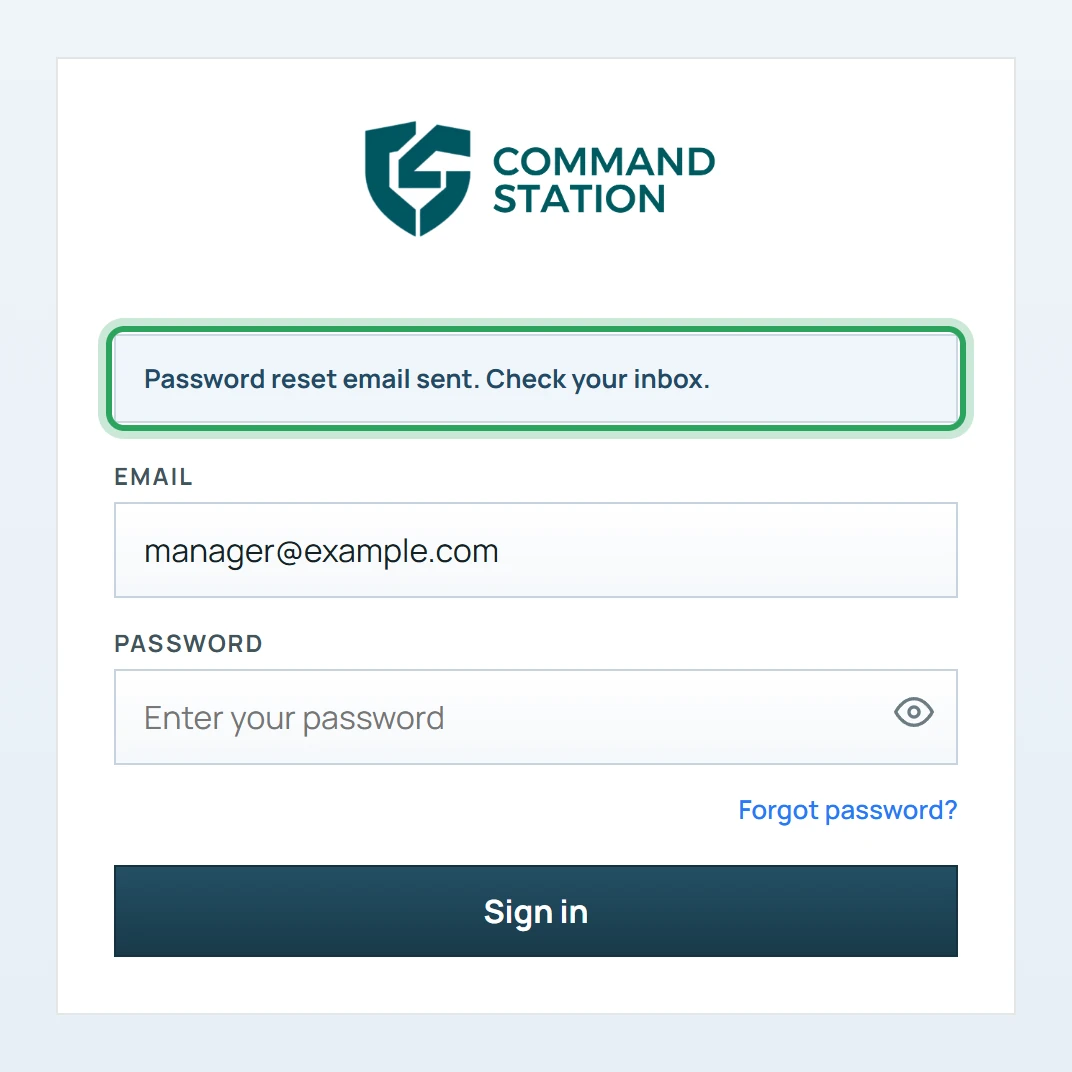
Forgot your password? Type your email address in the Email field first, then click Forgot password?. You'll see “Password reset email sent. Check your inbox.” Follow the link in the email to choose a new password.
Good to know
- “That email and password don't match” means one of them is wrong — check for typos and Caps Lock.
- “Too many sign-in attempts” clears by itself after a few minutes.
- If your free trial has ended you can still sign in; the portal opens Company Profile → Billing so you can reactivate your account.
More in Getting started
Set up Command Station in five stepsStill stuck? Our team is happy to help.Contact support