
Pay for your subscription and manage cards
Add or change your card and find past invoices.
- 1
Open Company Profile → Billing.
- 2
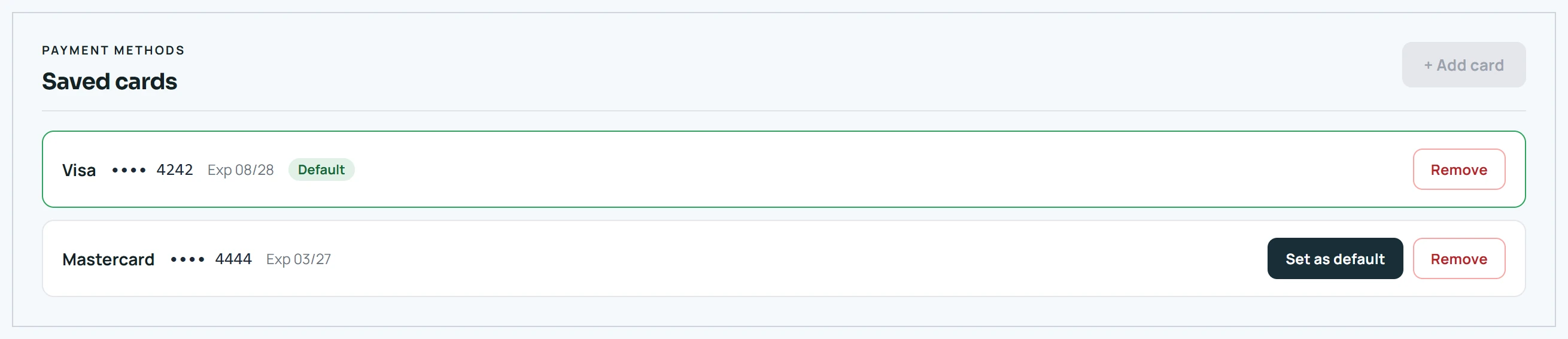
Under saved cards, click + Add card (you can keep up to 2), Set as default, or Remove. You can't remove your only card — add another first.
- 3
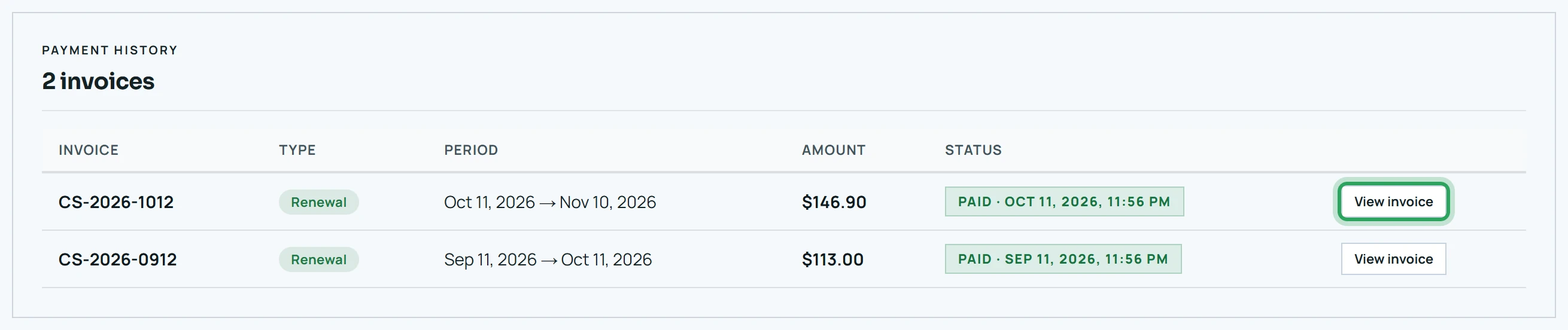
Payment history lists your invoices. Click View invoice to open one and Print / save as PDF.
- 4
If a payment fails, a banner offers Update card on file and Retry payment now.

More in Billing and your plan
Update your company details and logoStill stuck? Our team is happy to help.Contact support