
Archive, restore or delete a site
Hide a site you no longer work at, bring it back later, or remove it for good.
- 1
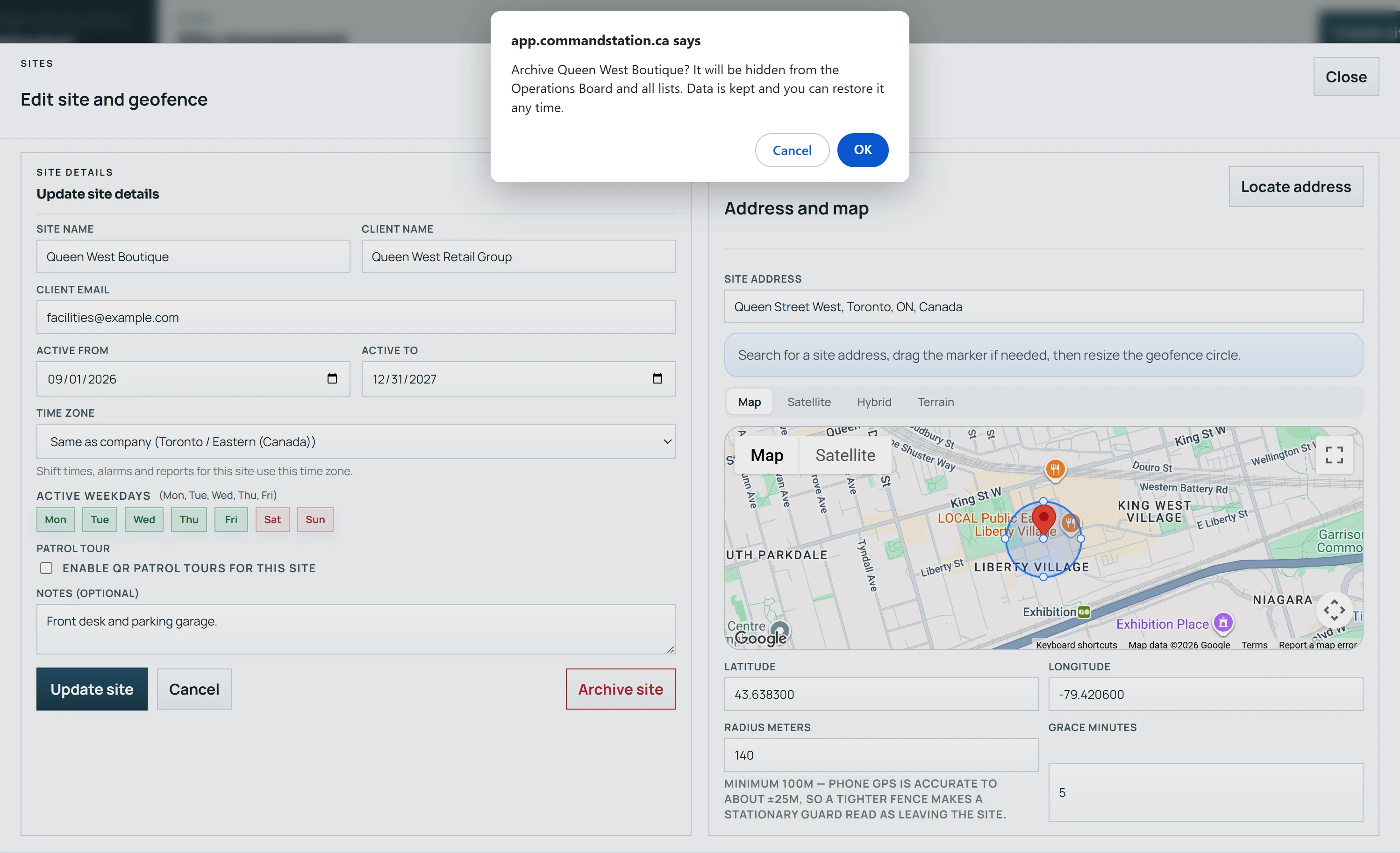
To archive: open Sites, click Edit, then Archive site and confirm. The site disappears from the Operations Board and lists; its data is kept.
- 2
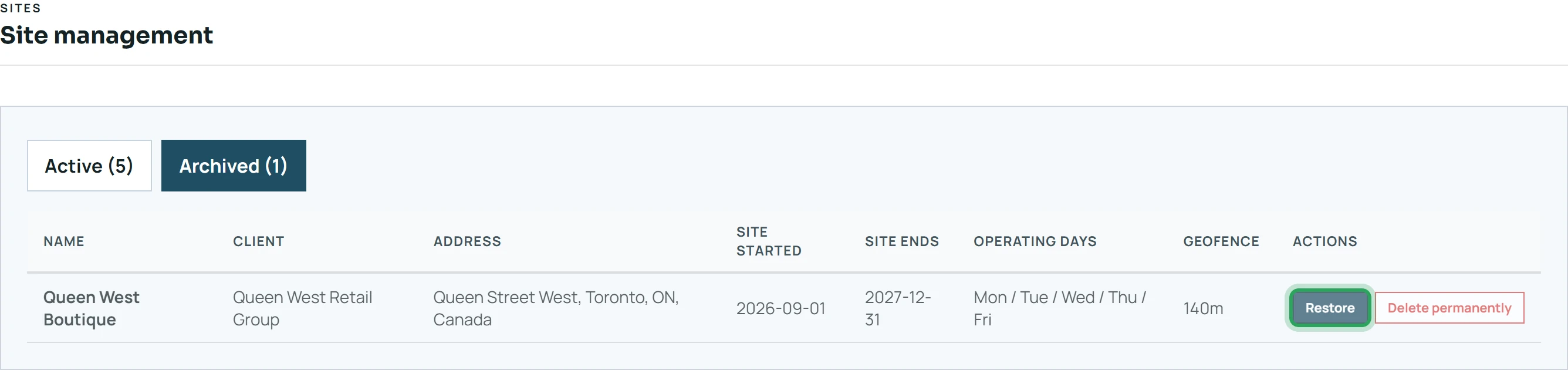
To restore: open the Archived tab and click Restore. The site is back on the board.
- 3
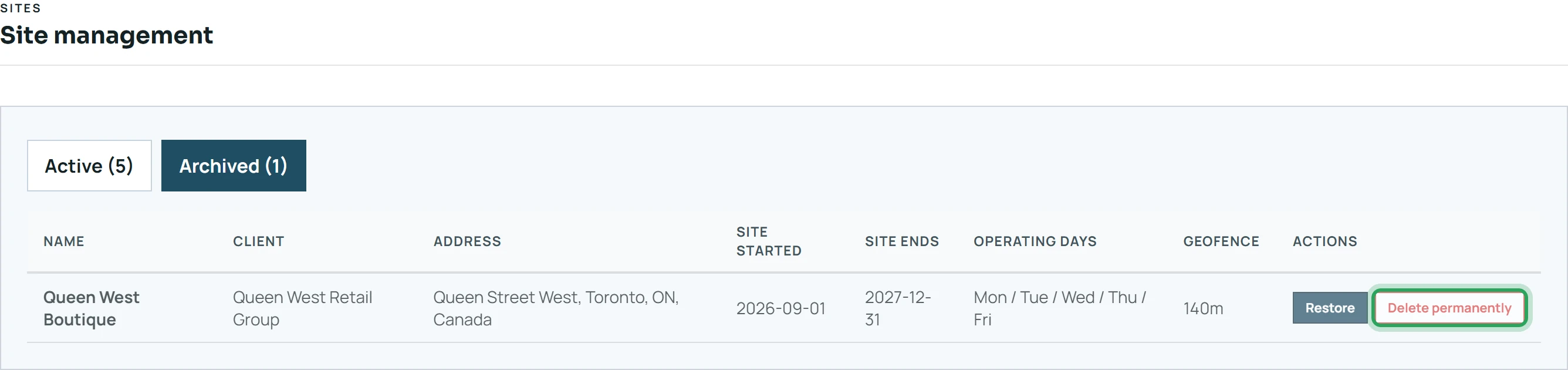
To delete for good: on the Archived tab, click Delete permanently and confirm. This removes every shift, patrol scan, report and alert for the site and can't be undone.
Good to know
- You can't archive or delete a site while someone is clocked in there — clock them out first.
- Only company admins can delete a site permanently.
Related
Edit a siteMore in Sites and geofences
Add a work site and its geofenceChoose the right geofence sizeSites in different time zonesSet up QR patrol checkpoints and routesStill stuck? Our team is happy to help.Contact support