
Add more staff or sites
Raise your plan's limits with add-ons when you grow.
- 1
Open Company Profile → Billing and find Increase capacity.

- 2
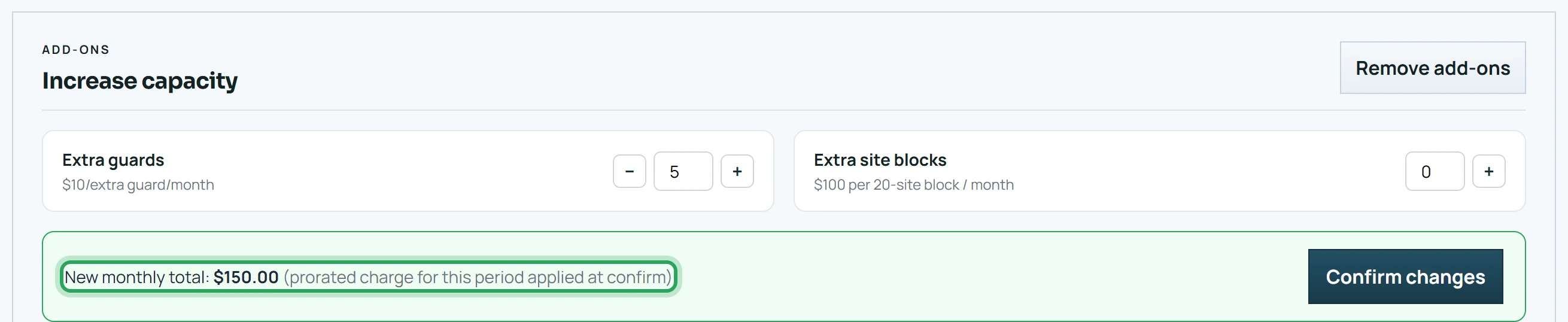
Use the steppers to add Extra guards ($10 per staff member per month) or Extra site blocks ($100 per 20 sites per month).
- 3
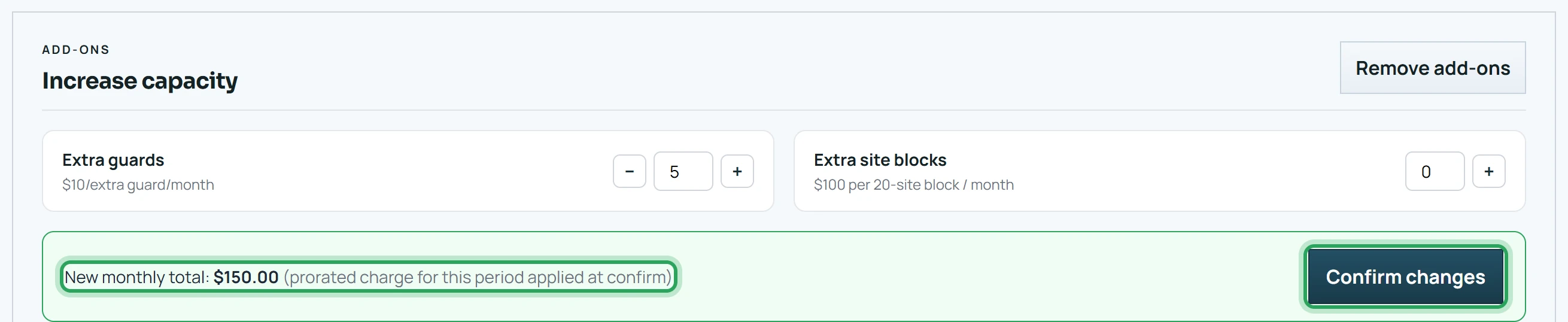
Check the New monthly total, then click Confirm changes. You're charged a prorated amount for the rest of the current billing period.
- 4
To lower your add-ons, use Remove add-ons. You can't go below what you're currently using.

Good to know
- Archived sites and deleted staff don't count toward your limits. To free a site, archive it; to remove staff, contact support@commandstation.ca.
More in Billing and your plan
Update your company details and logoStill stuck? Our team is happy to help.Contact support