
Staff can't sign in to the app
Common reasons a staff member can't sign in, and the fix for each.
- 1
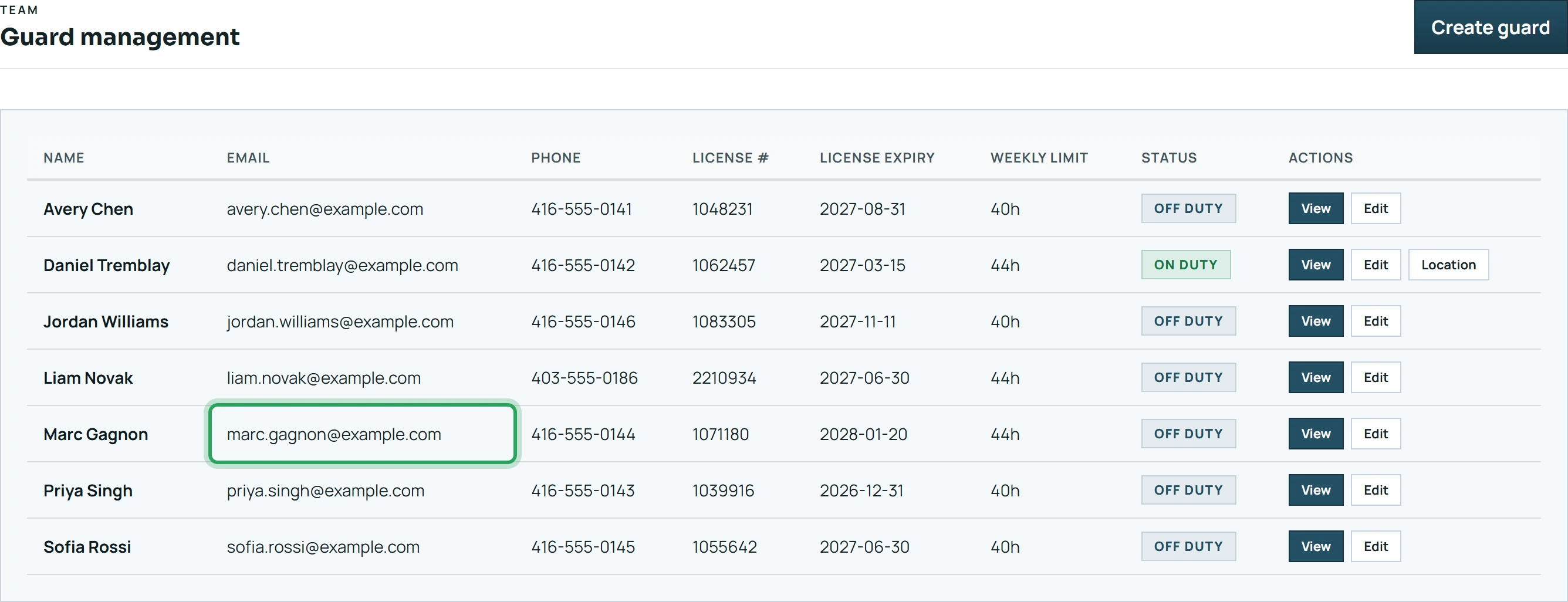
Check the email on their profile under Team — they must sign in with exactly that email.
- 2
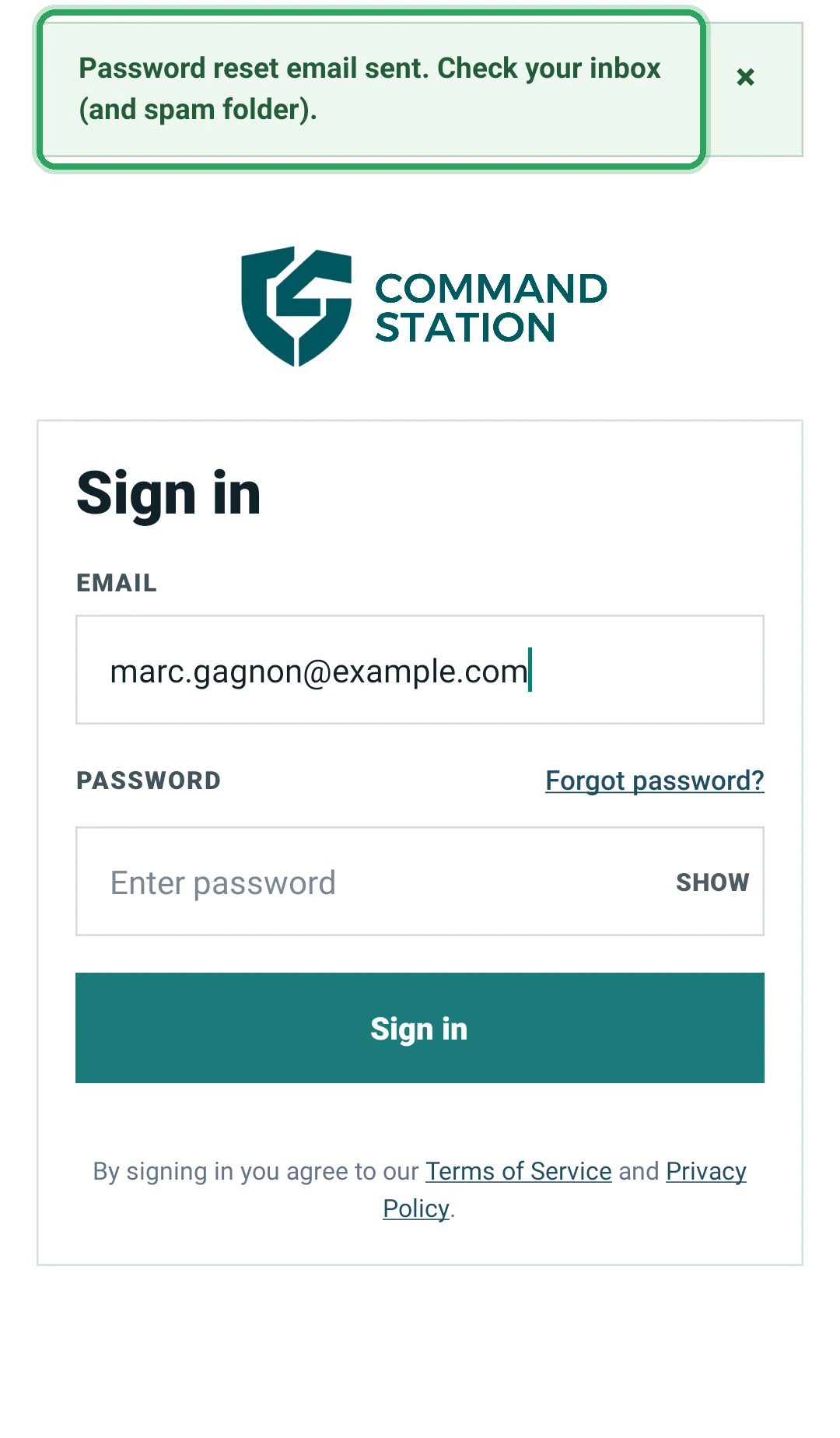
If they forgot the password, they reset it from the app with Forgot password?.
- 3
“This account has been disabled” — contact support@commandstation.ca.
- 4
“Account Inactive” — your company account is suspended or your trial has ended; check Company Profile → Billing.
Good to know
- Portal admin logins don't work in the staff app; it shows No guard account. Create a separate staff login under Team.
More in Troubleshooting
Why can't I clock in?Why can't I clock out?“Waiting for a better GPS signal”A shift is flashing red: what to doTimes look wrongStill stuck? Our team is happy to help.Contact support