
Late arrivals and no-shows
When a shift counts as late or a no-show, and what you'll see.
- 1
If nobody has clocked in when the shift starts, the shift turns red and the alarm sounds.

- 2
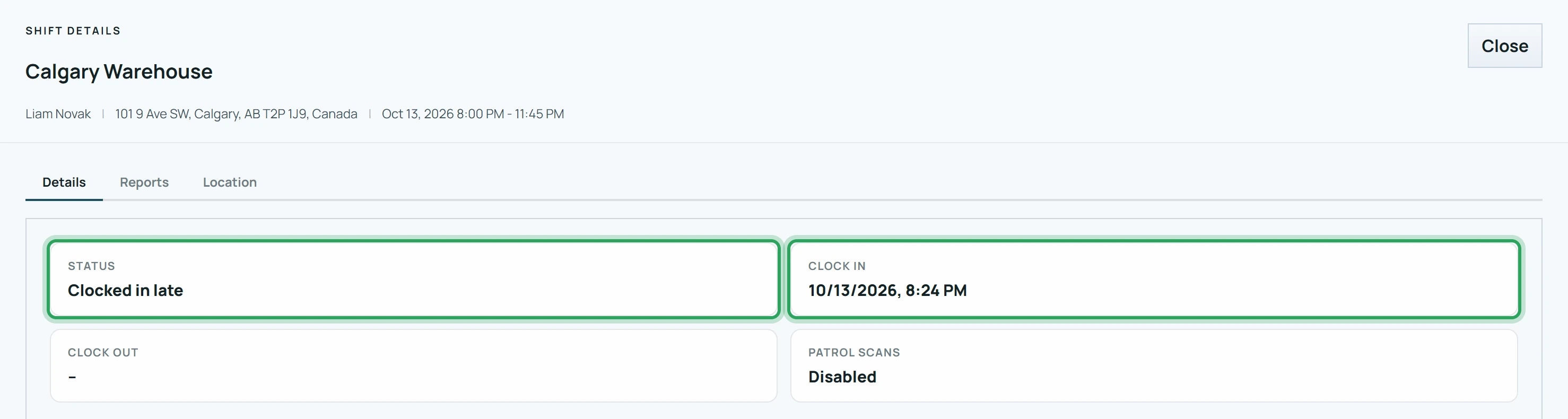
A clock-in after the start time plus the site's Grace minutes counts as late. The shift shows a grey time badge.
- 3
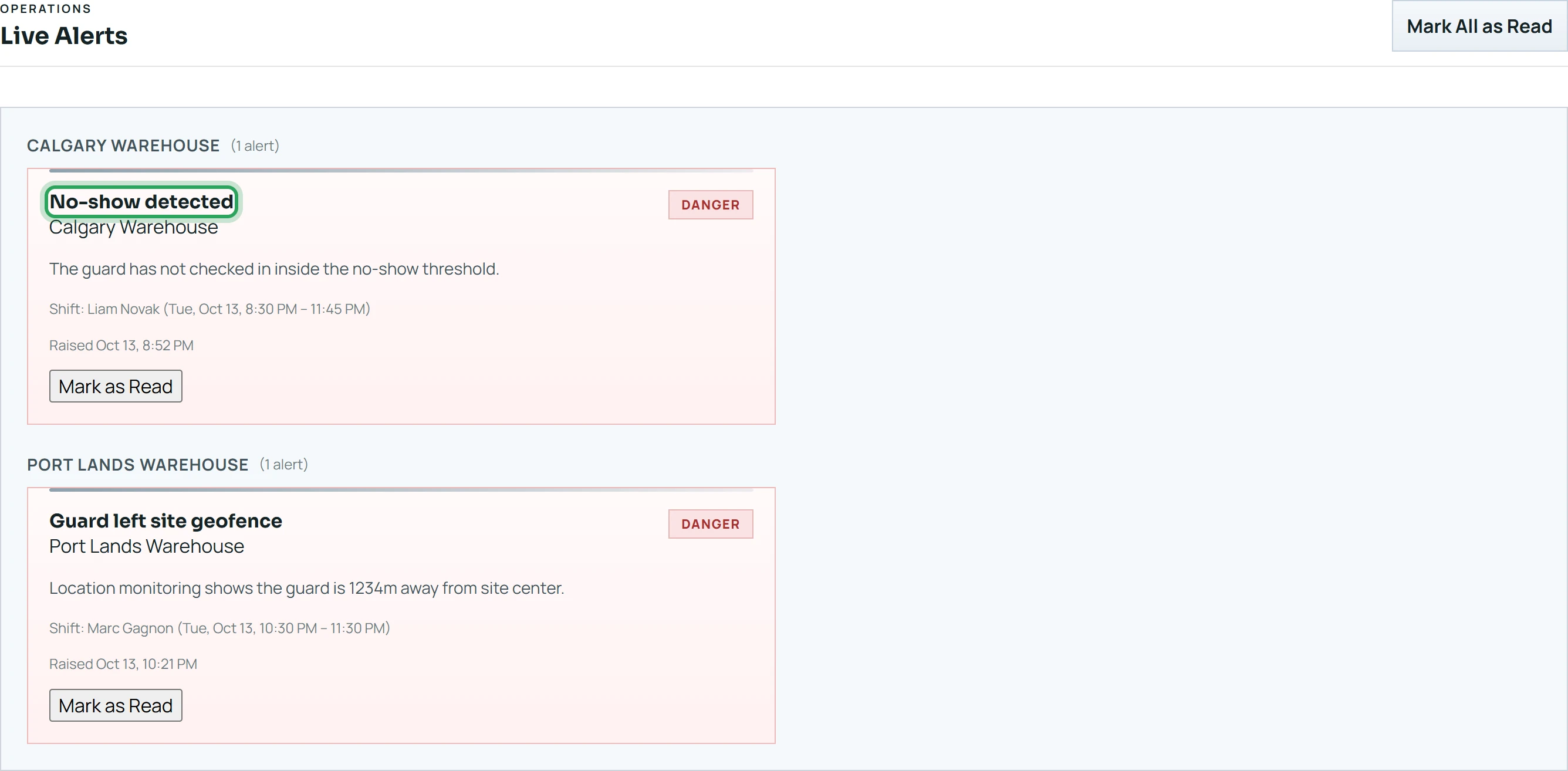
If there's still no clock-in 20 minutes after the start, the shift becomes a No show and a “No-show detected” alert is raised.
Good to know
- If someone was there but couldn't clock in, record the real time with Admin clock in.
Related
Fix a missed clock-in or clock-outSilence the alarm (Acknowledge Buzzer)What the colours on the board meanMore in Live location and alerts
See where someone is right nowHow geofence alerts workWhen a phone stops reportingReview and clear alertsStill stuck? Our team is happy to help.Contact support