
Duplicate a shift
Copy an open shift's times and notes to other days.
- 1
Right-click an open (unassigned) shift and choose Duplicate shifts.
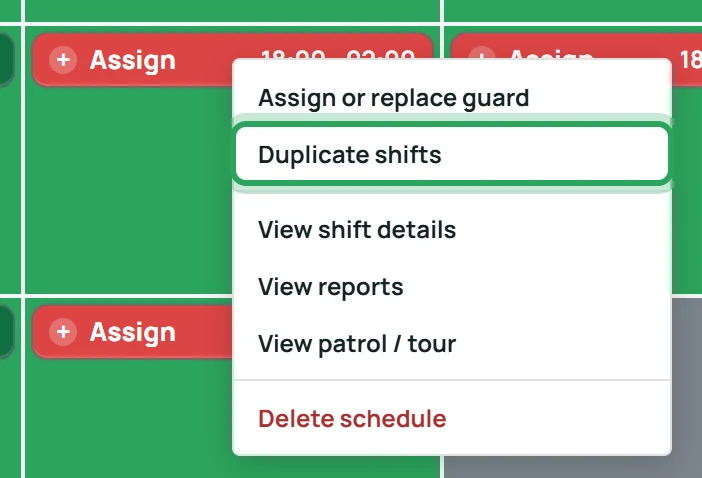
- 2
The times and notes are copied in. Choose the Apply scope and dates for the copies.
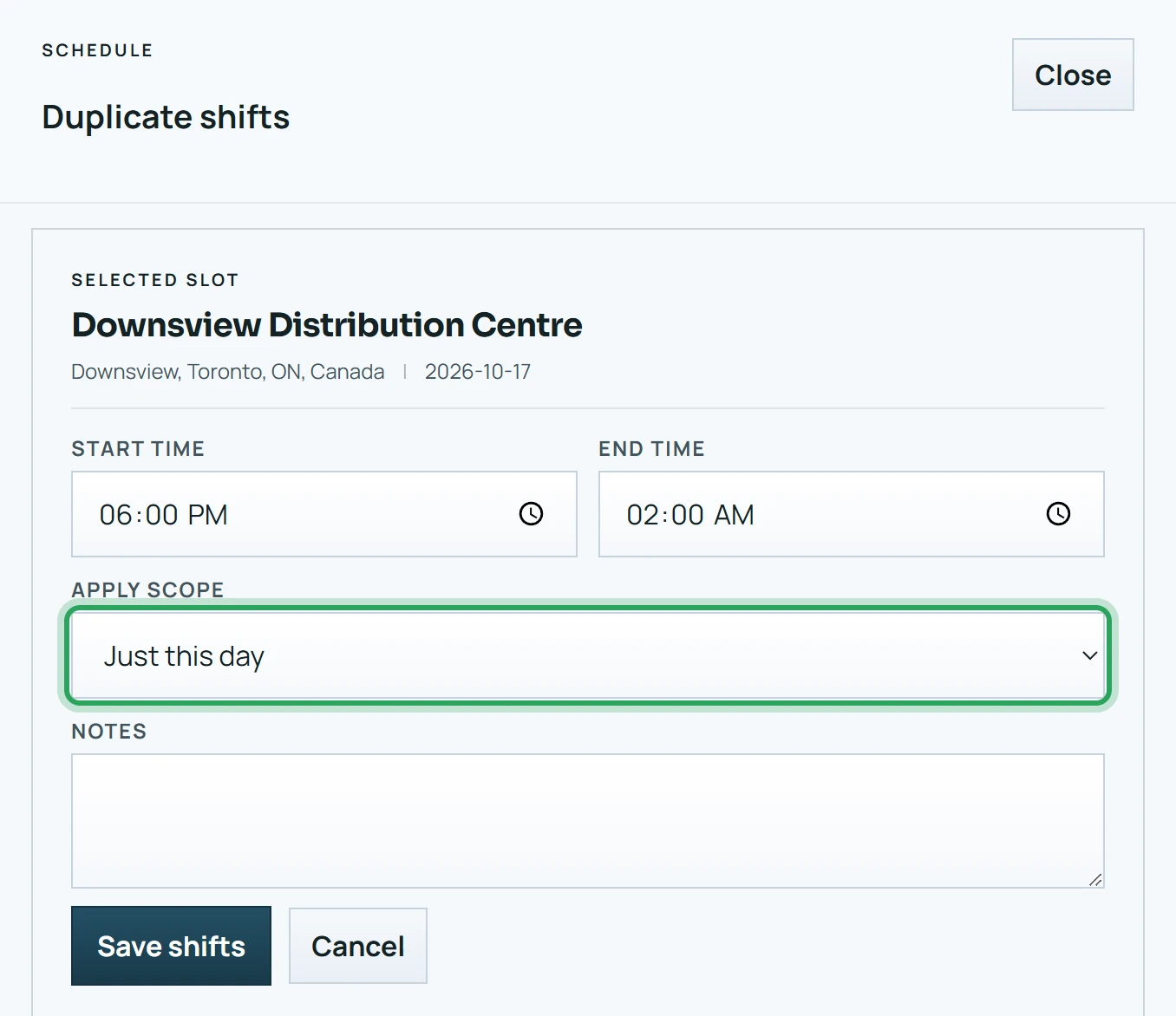
- 3
Click Save shifts. The copies are open; assign people as usual.
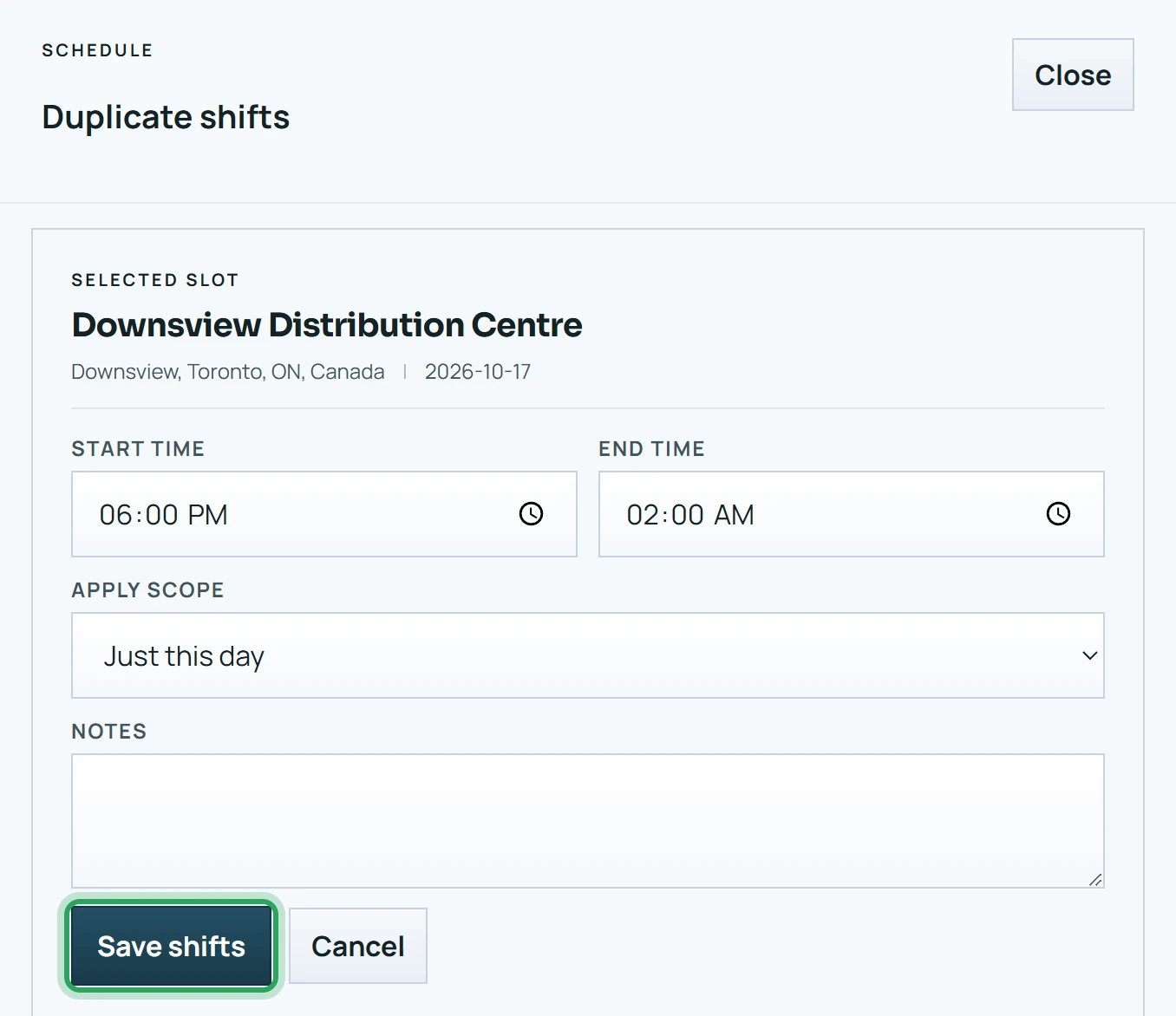
Good to know
- Duplicate shifts is only offered on open shifts. It never copies the assigned person.
More in Scheduling shifts
Add a shiftAssign or replace the person on a shiftWhen an assignment goes over the weekly limitUnassign a shiftDelete a shift or a batchFix a missed clock-in or clock-outOvernight shiftsStill stuck? Our team is happy to help.Contact support