
Install the Command Station Guard app
Get the staff app on an iPhone or Android phone.
- 1
iPhone: open the App Store and search for Command Station Guard, or use this link: https://apps.apple.com/ca/app/command-station-guard/id6762470499. Tap Get.
- 2
Android: on commandstation.ca, tap Download for Android. Open the downloaded file and, if Android asks, allow installing apps from your browser.

- 3
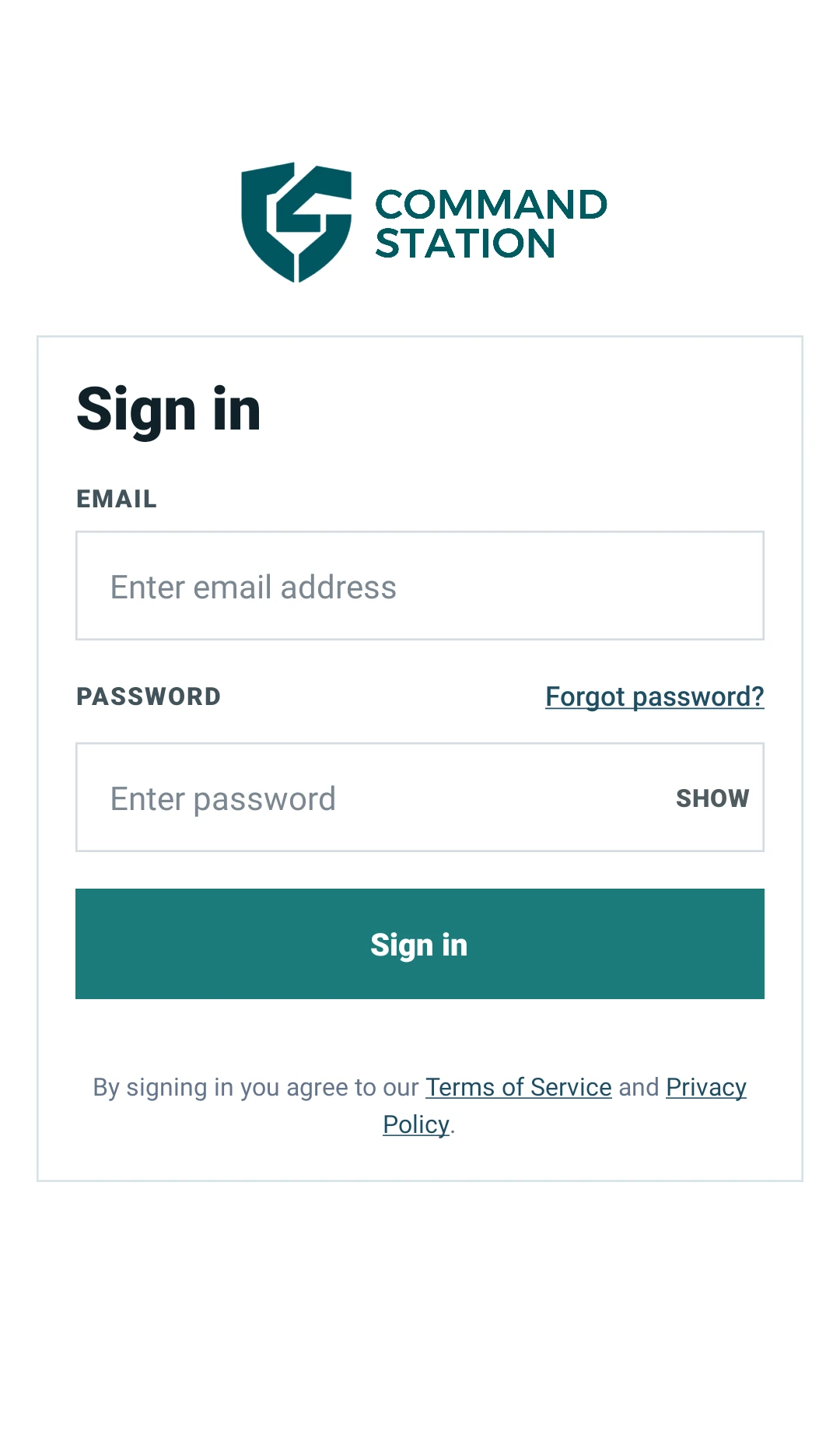
Open the app and sign in with the email and password your manager gave you.
Good to know
- Your manager creates your login in the portal. You can't sign up from the app.
- The app updates itself — you'll briefly see “Downloading update...” when there's a new version.
More in The staff app
See today's and upcoming shiftsClock in at the start of your shiftClock out at the end of your shiftFile your daily reportReport an incidentScan patrol checkpoints (guard tour)Your profile, hours and permissionsAsk for your account to be deletedStill stuck? Our team is happy to help.Contact support