
See where someone is right now
Open a staff member's live location during their shift: inside or outside the geofence, distance from the site, and their last check-in.
- 1
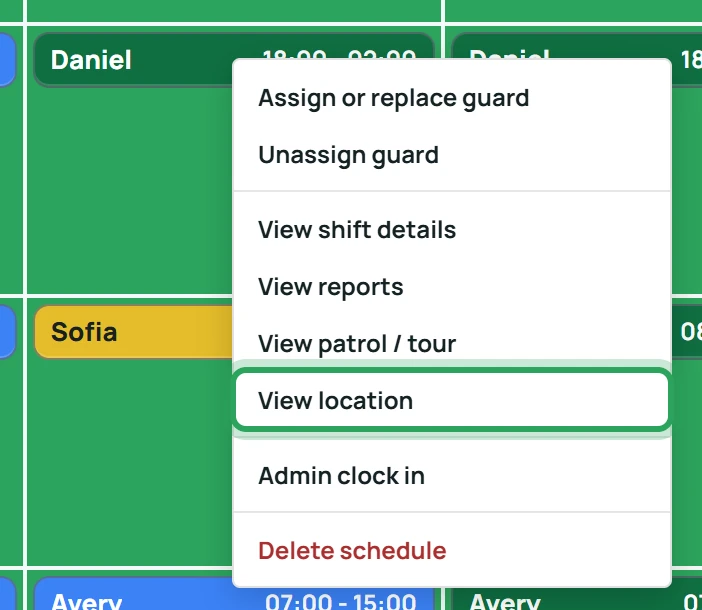
On the Operations Board, right-click the shift and choose View location. (Or open Team and click Location next to someone on duty.)
- 2
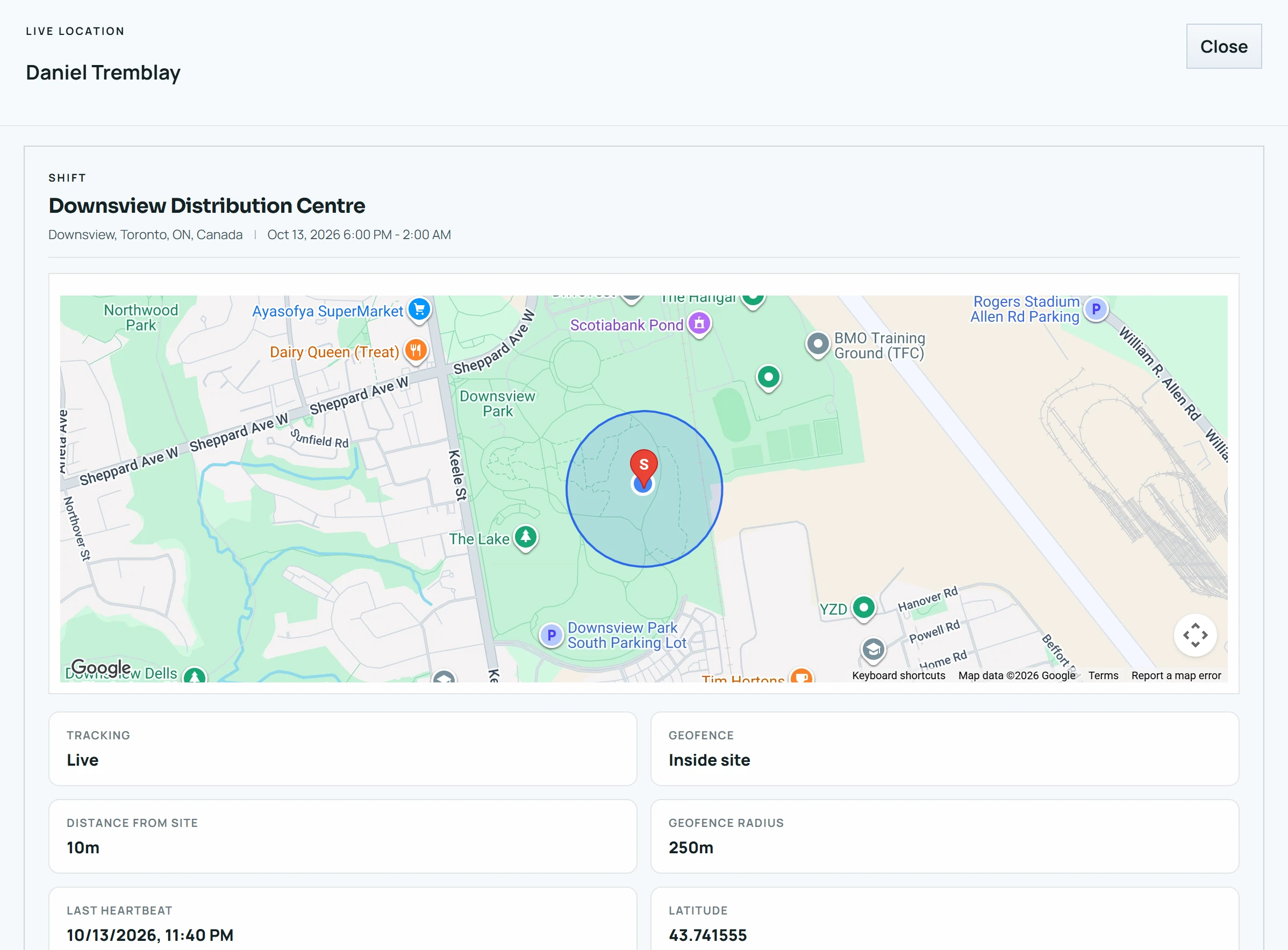
The map shows the site's geofence and the person's position.
- 3
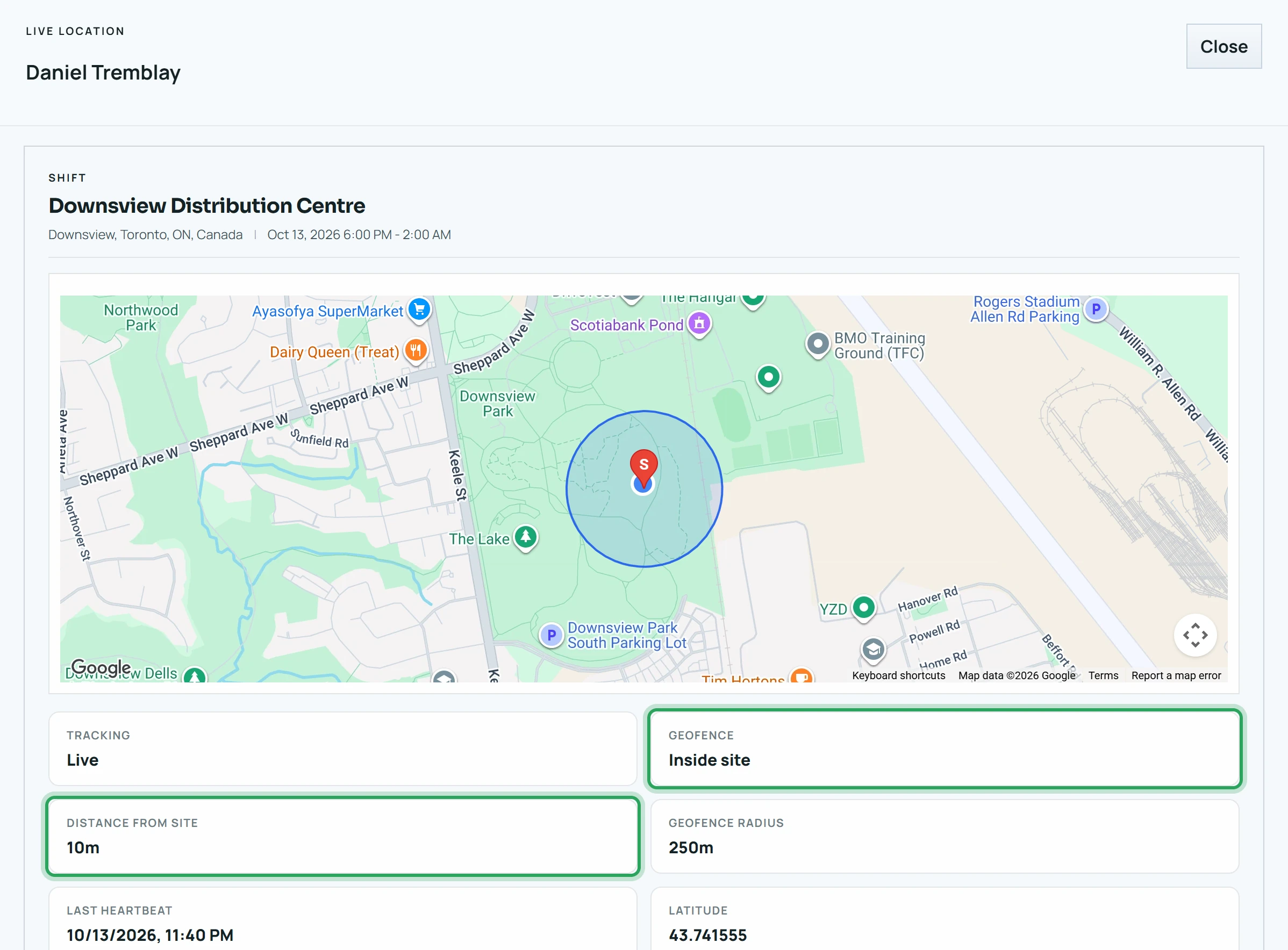
Geofence says Inside site or Outside site. Distance from site shows how far they are from the centre.
- 4
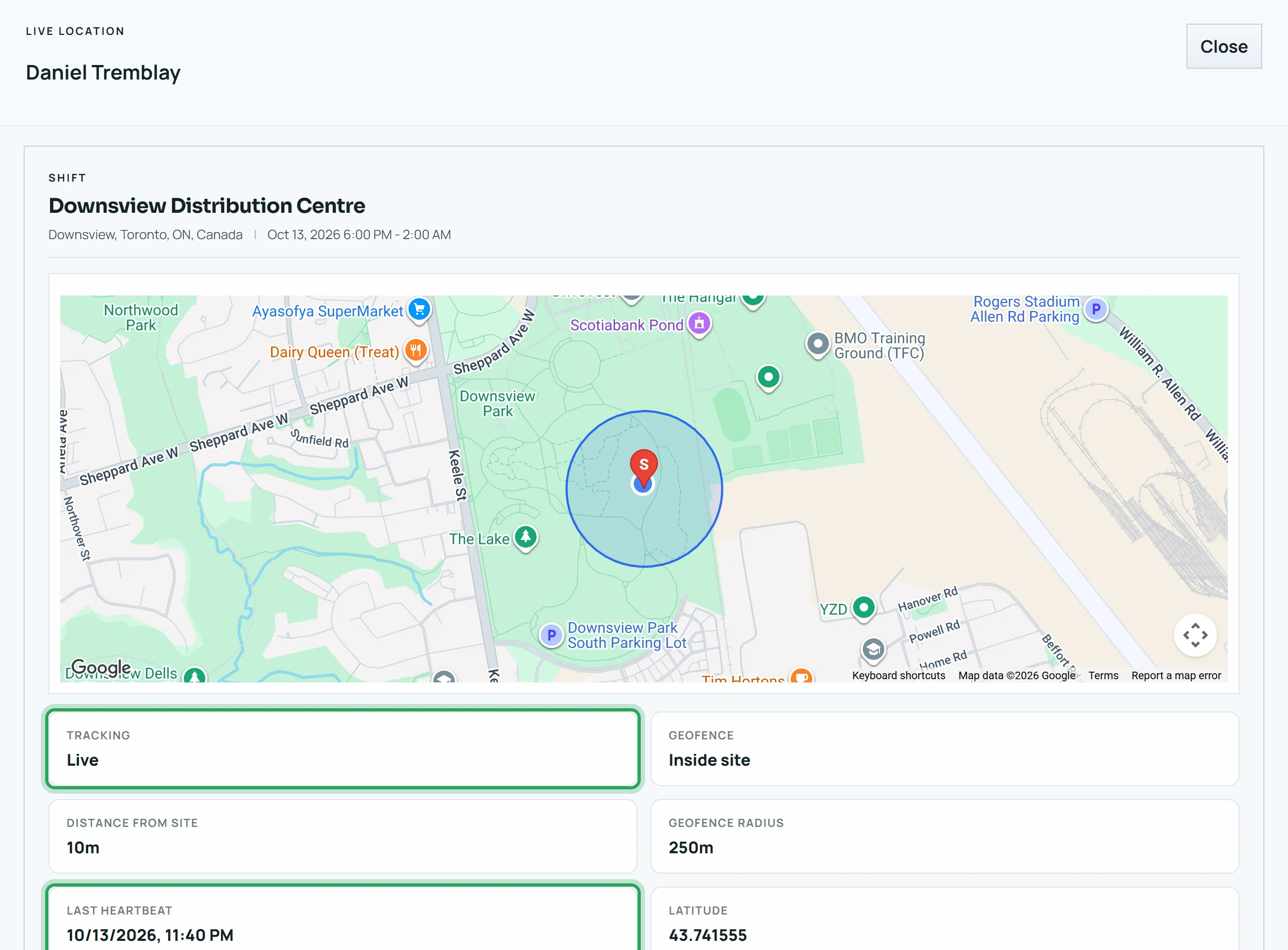
Last heartbeat is when their phone last reported. Tracking shows Live when that was within the last 90 seconds.
Good to know
- While the window is open, the portal asks the phone for a fresh location every 15 seconds.
- Location is only tracked between clock-in and clock-out — never before or after a shift. Before clock-in, Tracking shows Not clocked in; after clock-out, Clocked out.
- If someone forgets to clock out, tracking stops 2 hours after the shift's scheduled end. The map then shows the last position reported before that.
More in Live location and alerts
Silence the alarm (Acknowledge Buzzer)Late arrivals and no-showsReview and clear alertsStill stuck? Our team is happy to help.Contact support