
Review and clear alerts
See every open alert in one place and mark them as read.
- 1
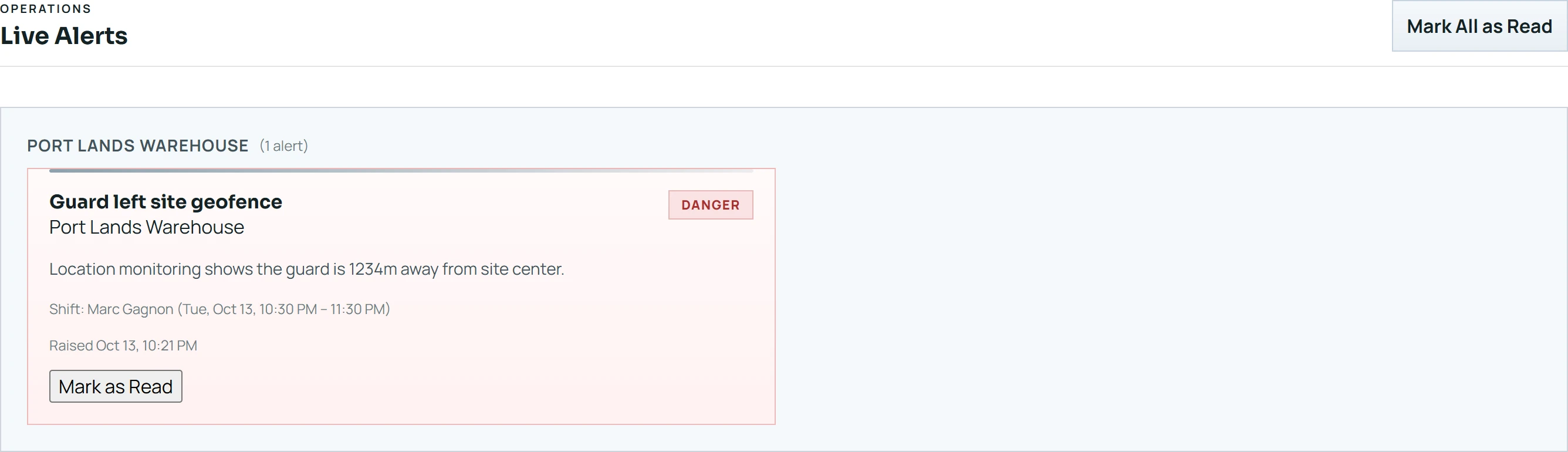
Open Alerts. Open alerts are grouped by site, each with a title, a severity, the person and shift, and when it was raised.
- 2
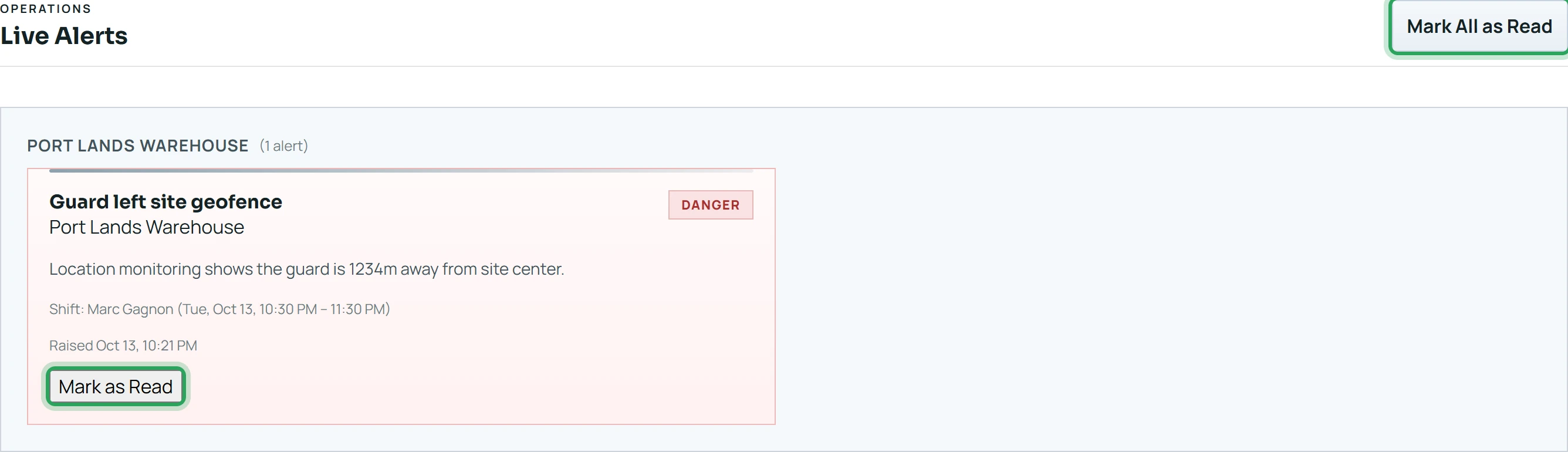
Click Mark as Read on an alert you've dealt with, or Mark All as Read at the top.
Good to know
- Alert types include “Guard left site geofence”, “No-show detected”, and “Location spoofing suspected” (a fake-GPS app was detected on the phone).
- Geofence alerts clear by themselves when the person returns to the site.
More in Live location and alerts
See where someone is right nowLate arrivals and no-showsWhen a phone stops reportingStill stuck? Our team is happy to help.Contact support