
Times look wrong
Why times are shown the way they are, and how to change your time zone.
- 1
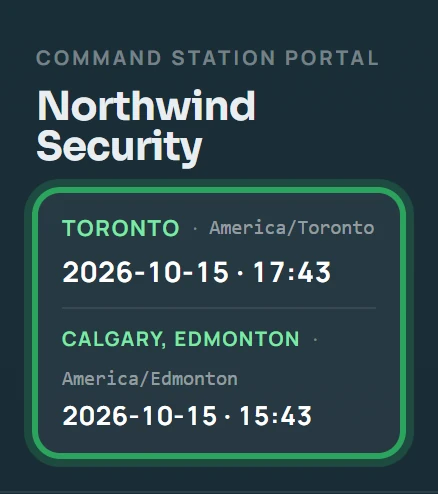
All times in the portal and the app use the time zone of the site they belong to: your company's time zone (shown at the top of the sidebar), unless the site has its own. Never the time zone of the computer or phone you're using.
- 2
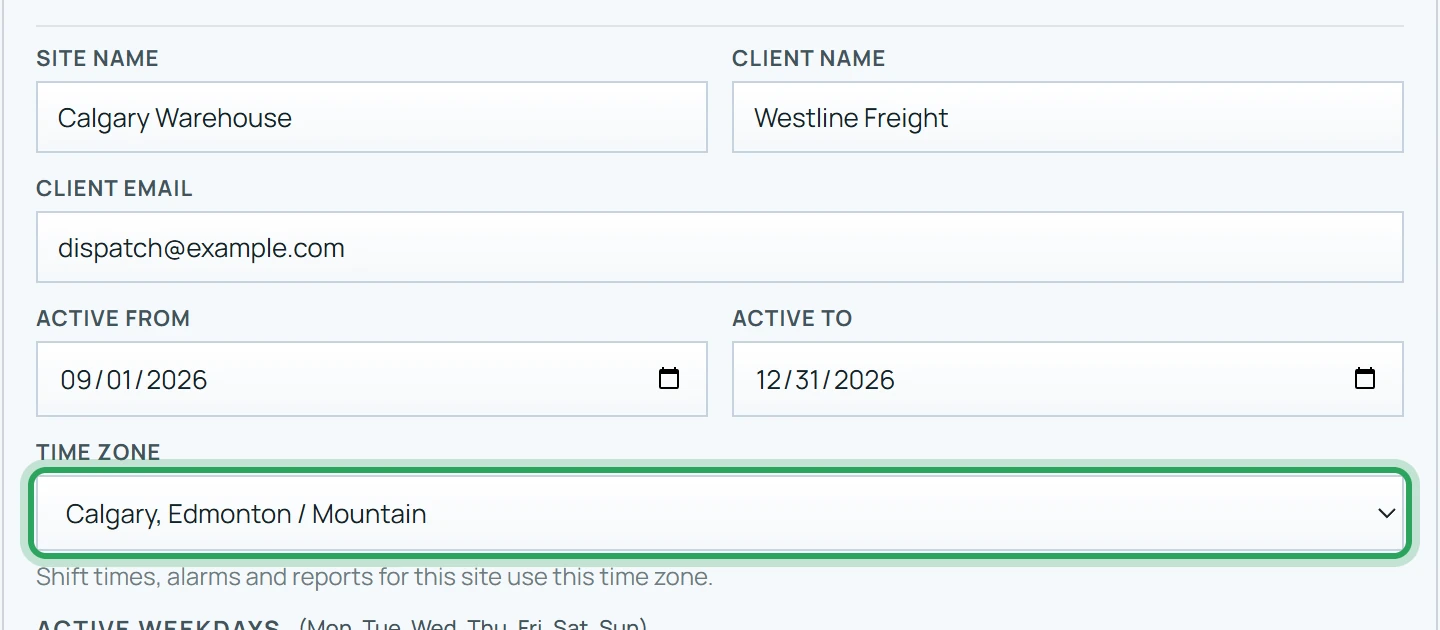
If one site's times look an hour or two off, open Sites, click Edit on it and check its Time zone.
- 3
Clock-in and clock-out times are recorded by our server, so a phone with the wrong clock doesn't affect them.
- 4
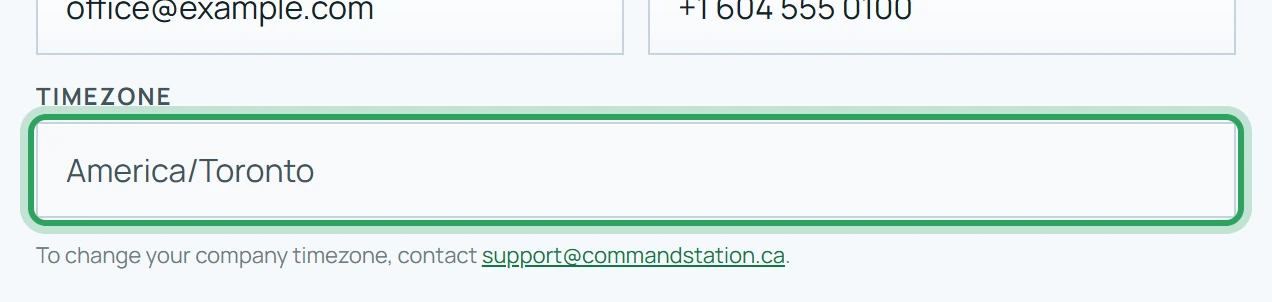
If your company's time zone is wrong, email support@commandstation.ca and we'll change it.
Related
Sites in different time zonesUpdate your company details and logoFind your way around the portalMore in Troubleshooting
Why can't I clock in?Why can't I clock out?“Waiting for a better GPS signal”A shift is flashing red: what to doStaff can't sign in to the appStill stuck? Our team is happy to help.Contact support