
Overnight shifts
How shifts that run past midnight work.
- 1
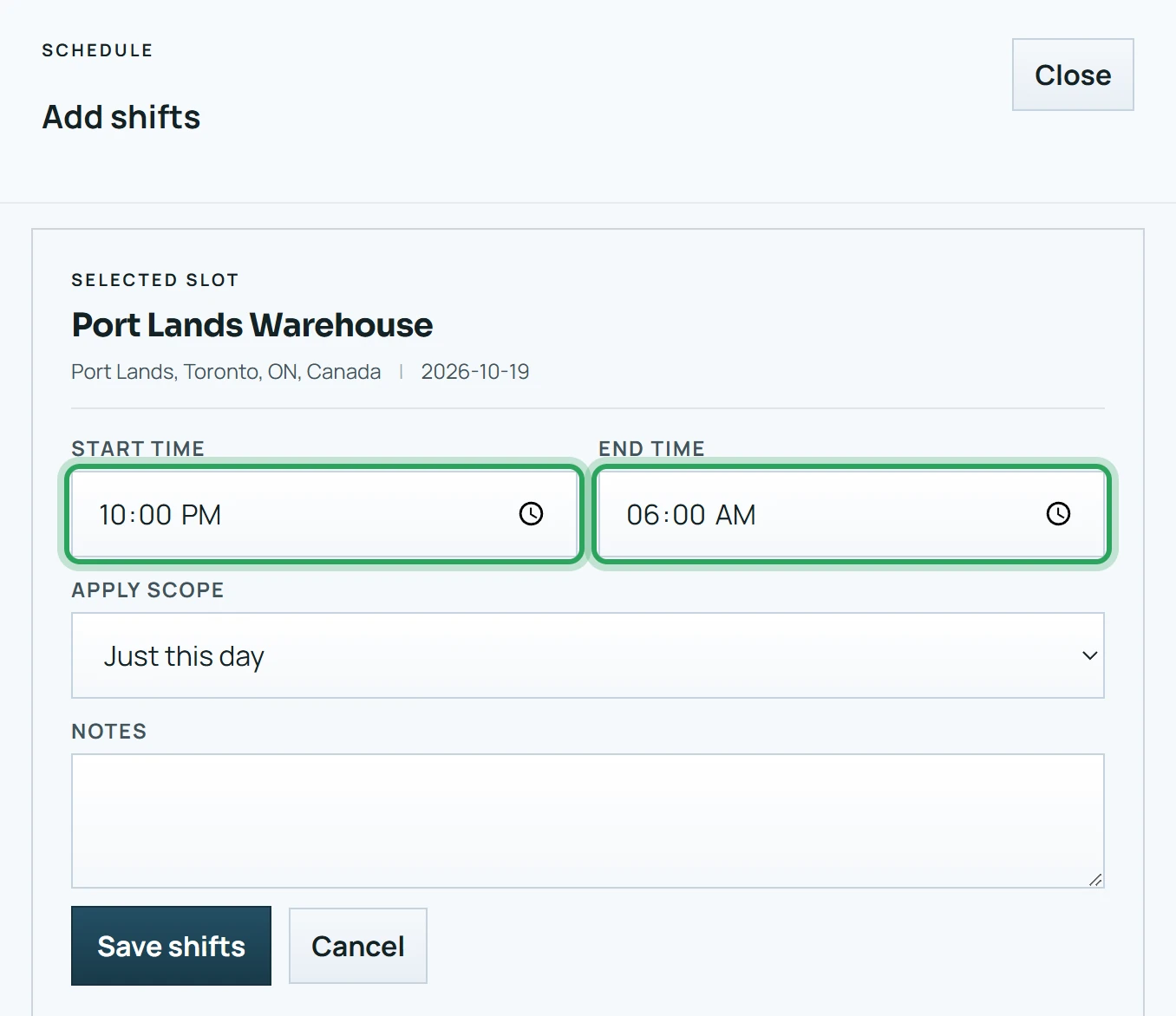
When you add a shift, set an end time earlier than the start time — for example 22:00 to 06:00.
- 2
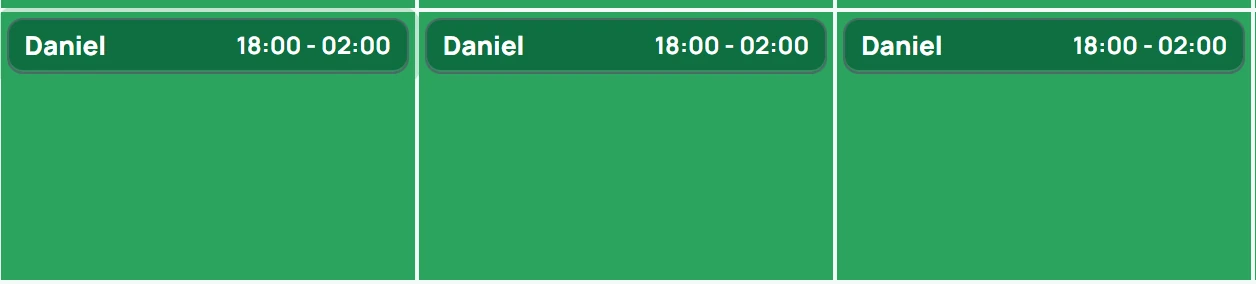
The shift is shown on the day it starts and ends the next morning.
- 3
Staff can clock in from 2 hours before the start until the shift ends, including after midnight. While it's running, the shift also shows under Today in the app.
- 4
They clock out once the scheduled end has passed.
Related
Add a shiftMore in Scheduling shifts
Schedule shifts over a date rangeAssign or replace the person on a shiftWhen an assignment goes over the weekly limitUnassign a shiftDuplicate a shiftDelete a shift or a batchFix a missed clock-in or clock-outStill stuck? Our team is happy to help.Contact support