
When a staff member forgets their password
Staff reset their own password from the app; here's what to tell them.
- 1
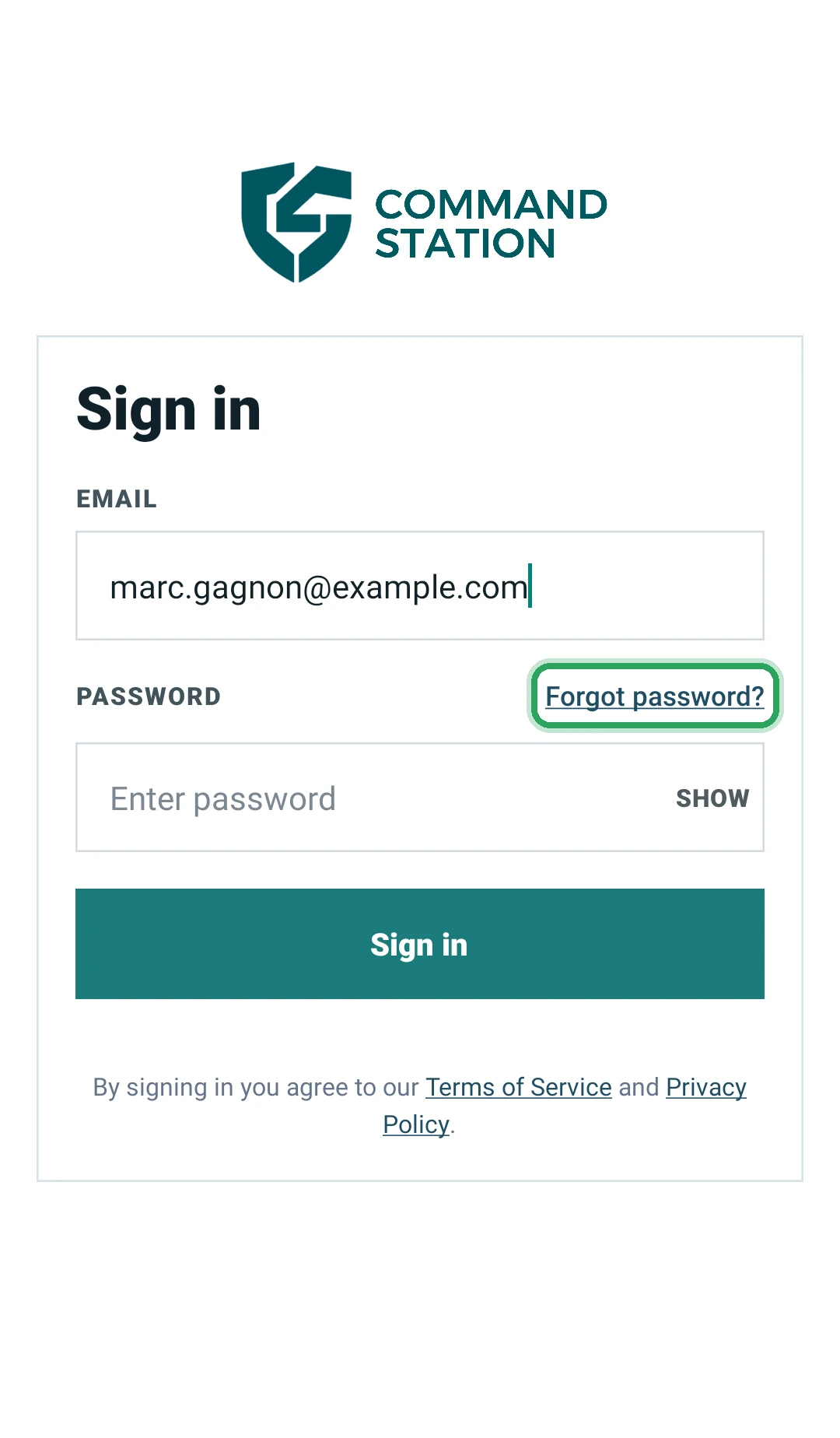
Ask them to open the Command Station Guard app and type their email in the Email field.
- 2
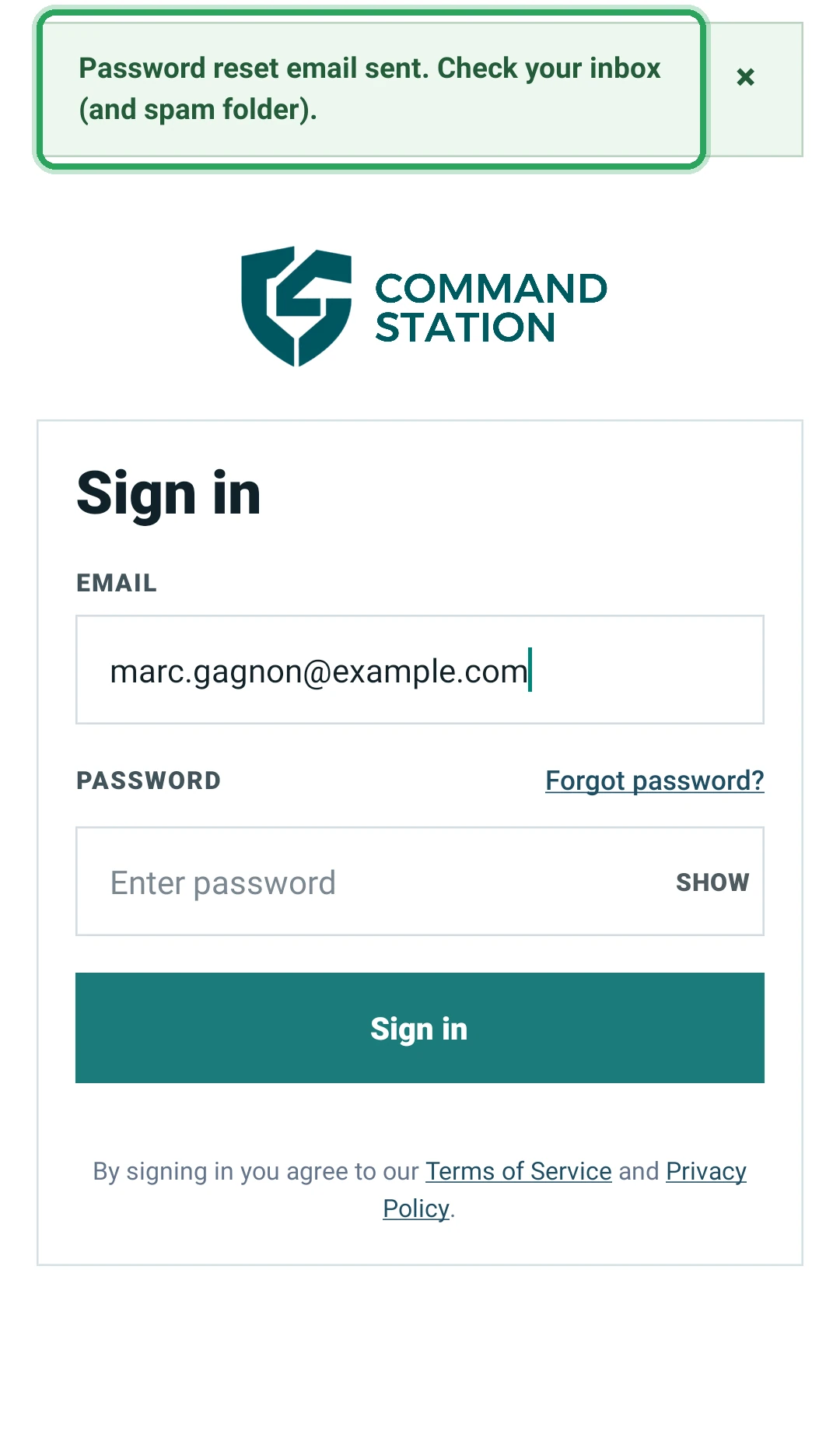
Then tap Forgot password?. They'll see “Password reset email sent. Check your inbox (and spam folder).”
- 3
They follow the link in the email, choose a new password, and sign in with it.
Good to know
- The portal can't change a staff member's password or email for you.
- If the reset email never arrives, check the email on their profile under Team is correct and ask them to look in spam.
More in Staff
Add a staff member and their app loginSet pay rates and weekly hour limitsSee who's on dutyHandle a staff account deletion requestStill stuck? Our team is happy to help.Contact support