
Choose the right geofence size
How big to make a site's circle so staff can clock in reliably without false alerts.
- 1
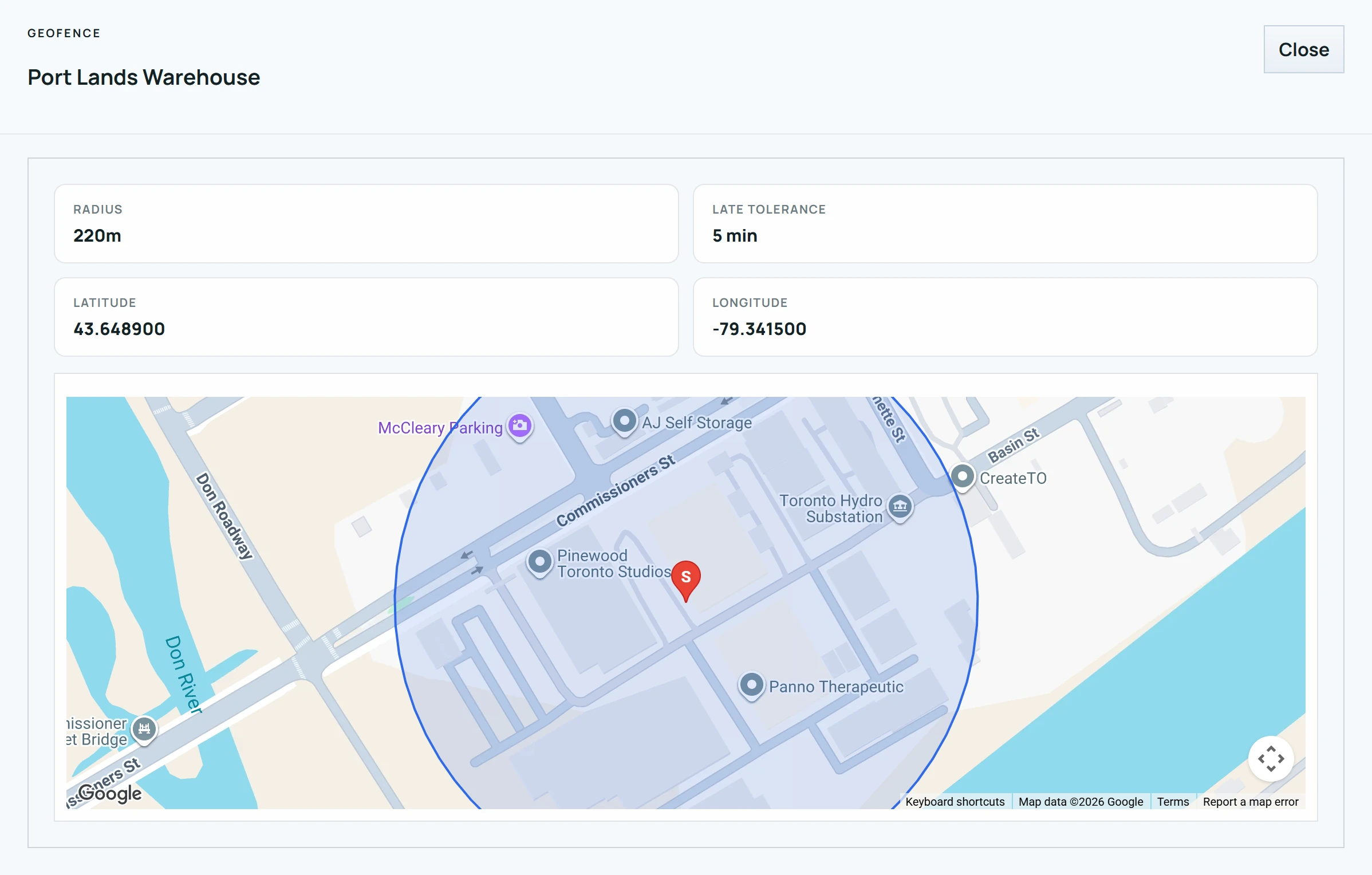
Make the circle cover everywhere staff legitimately work: entrances, parking, loading docks and outbuildings.
- 2
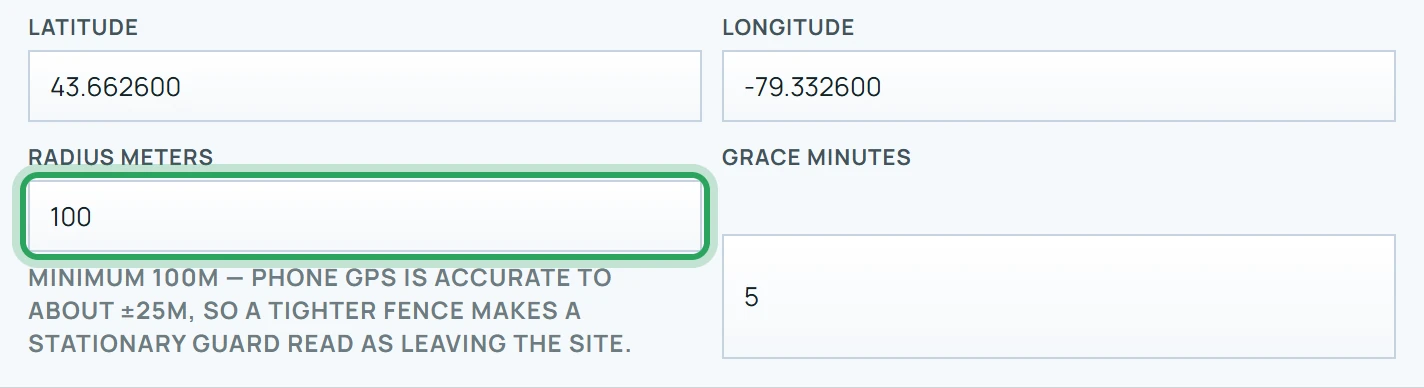
Don't go below 100 metres — the portal won't let you. Phone GPS is usually accurate to about ±25 metres, so a tighter circle makes someone standing still look like they're leaving.
- 3
Avoid making it much bigger than the property. A very large circle lets someone clock in from down the street.
- 4
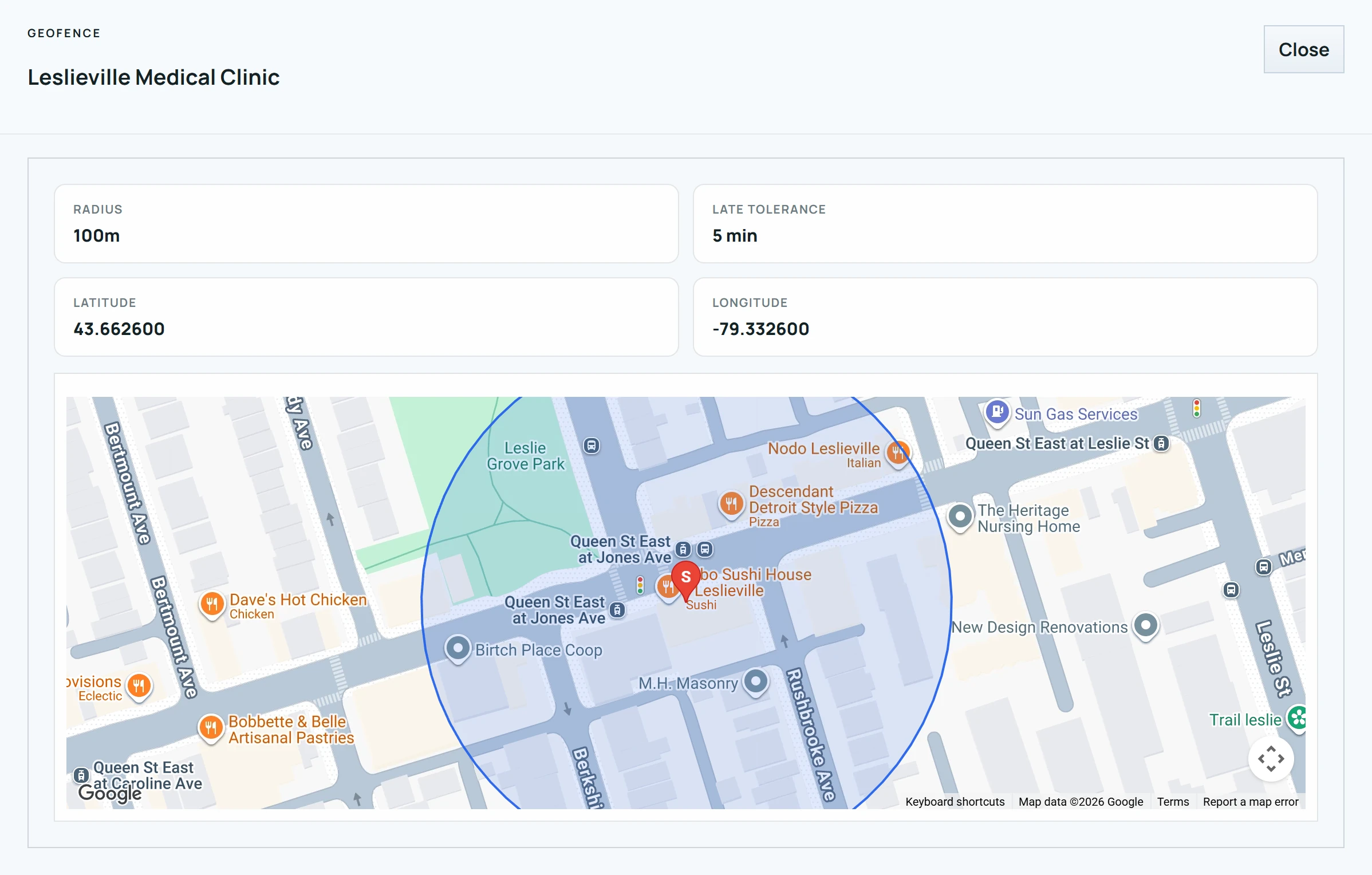
Large sites (warehouses, yards, campuses) usually need 200–300 metres. Small offices or clinics are usually fine at 100–150 metres.
Good to know
- The system gives some benefit of the doubt for GPS error, up to 75 metres. Fixes worse than ±200 metres are ignored rather than counted as outside.
- An alert is only raised after someone has been outside the circle for a full minute, so a brief GPS jump doesn't set off the alarm.
More in Sites and geofences
Edit a siteSites in different time zonesSet up QR patrol checkpoints and routesArchive, restore or delete a siteStill stuck? Our team is happy to help.Contact support